Real Estate Walk-Through Videos: Examples + How to Make One
Aug 1, 2026 · 10 min read
A real estate walk-through video guide: real examples, a room-by-room shot list, a narration script, and how to make a video tour in minutes instead of days.
A real estate walk-through video is a continuous, room-by-room video tour of a property that mirrors the path a buyer would walk in person: entry, main living space, kitchen, bedrooms, and a closing exterior shot, usually with narration or captions over it. It's the format that sits between a static photo gallery and a full 360-degree virtual tour, and it's what most agents mean when they say they want "video" on a listing. Below: how a walk-through video differs from a virtual tour and a Reel, a room-by-room shot sequence that actually works, a narration script you can copy, and two ways to produce one.
Walk-Through Video vs. Virtual Tour vs. Reel
These three formats get used interchangeably in listing conversations, but they solve different problems and belong in different places.
| Format | What it is | Typical length | Best for |
|---|---|---|---|
| Walk-through video | Continuous, edited video following a logical path through the home, often narrated | 60-180 seconds | MLS listing, YouTube, the listing's own webpage |
| Virtual tour (360°) | Clickable panoramic images stitched together; the viewer controls pace and direction | Self-paced, no fixed length | Buyers researching remotely before booking a showing |
| Social reel | Fast-cut, music-driven highlight clip built for vertical feeds | 15-30 seconds | Instagram and TikTok discovery, driving traffic back to the full listing |
A real estate video tour, in the sense most buyers mean it, is the walk-through format: something they can watch start to finish in under three minutes and come away understanding the layout. The mistake agents make is treating these three as competing options rather than complementary ones. A single set of listing photos can become all three, a full walk-through for the listing page, a 90-second cut for YouTube, and a 15-second teaser for social, but shooting and editing each separately triples the work for a single listing. That's the gap AI-generated video from photos was built to close, which we'll get to below.
The Room-by-Room Shot Sequence That Works
The single biggest quality difference between an amateur walk-through and one that holds attention is sequencing. If the video jumps from the kitchen to the exterior to a bedroom and back to the kitchen, viewers lose the sense of the home's layout, even if every individual shot looks fine. Follow the same path a buyer would physically walk:
| Order | Room | Shot | Why it works |
|---|---|---|---|
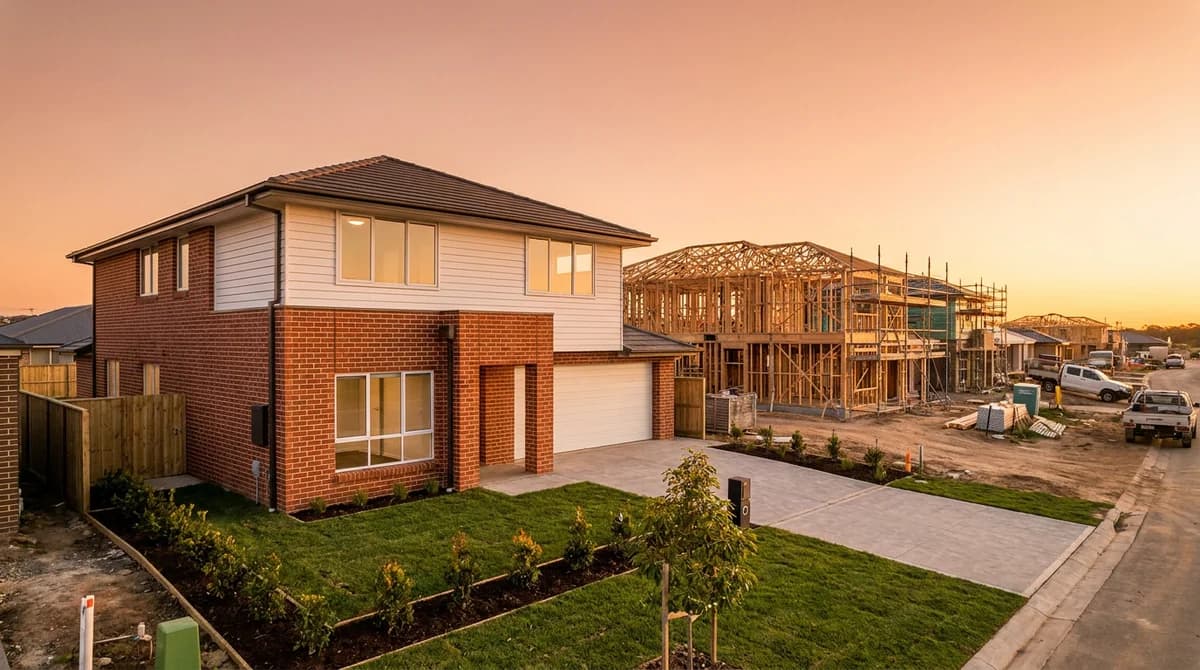
| 1 | Exterior | Straight-on establishing shot of the front facade | Orients the viewer before they "step inside" |
| 2 | Entry / foyer | Slow push forward through the front door | Recreates the actual walk-in moment |
| 3 | Main living area | Wide pan or gentle dolly across the room | Establishes scale and natural light |
| 4 | Kitchen | Slow pan across counters, island, and appliances | The room buyers linger on longest; give it the most time |
| 5 | Primary bedroom | Wide static shot or slow push | Calm, unhurried pacing signals a restful space |
| 6 | Bathroom(s) | Straight-on shot of the vanity and finishes | Shows finish quality without feeling intrusive |
| 7 | Secondary bedrooms | One quick wide shot each | Coverage without repeating the same move |
| 8 | Outdoor space / backyard | Wide establishing shot | A closing "future life" image that ends the video on a high note |
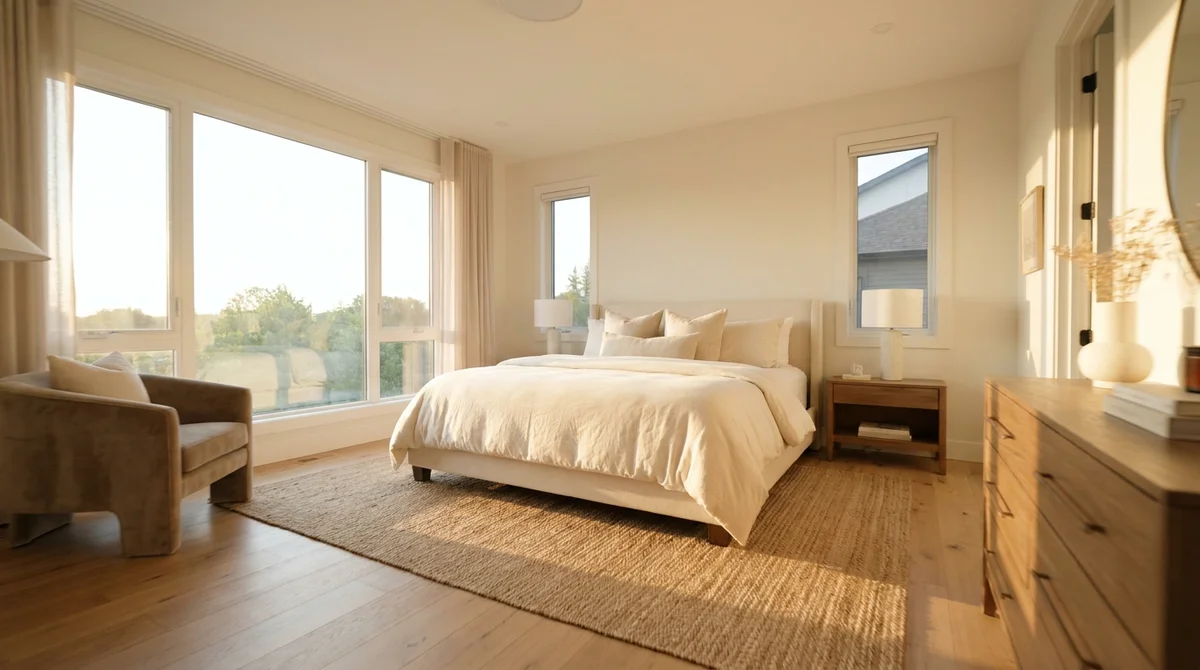
Keep most shots to three to five seconds; let the kitchen and main living space run six to eight since that's where buyers actually slow down to look. If a room has nothing distinctive to show, cut it rather than padding the runtime, a walk-through video that runs long because every closet got equal screen time loses viewers before the end.
A Narration Script Template You Can Copy
Most agents skip narration entirely because writing one from scratch feels like extra work on top of everything else a listing requires. It doesn't need to be original per property. A reusable skeleton, with the specifics swapped in, covers almost every listing:
Welcome to [ADDRESS], a [BEDROOMS]-bedroom, [BATHROOMS]-bathroom [PROPERTY TYPE] in [NEIGHBORHOOD]. As you step inside, you're greeted by [ENTRY FEATURE, e.g. "an open foyer with soaring ceilings"]. The main living area flows into a [KITCHEN FEATURE, e.g. "fully renovated kitchen with quartz counters and a waterfall island"], perfect for [LIFESTYLE HOOK, e.g. "entertaining" or "quiet weekday mornings"]. Down the hall, the primary suite offers [BEDROOM FEATURE, e.g. "a walk-in closet and spa-style ensuite"]. Outside, you'll find [OUTDOOR FEATURE, e.g. "a private, fenced backyard with mature landscaping"]. This home is listed at [PRICE] and won't stay on the market long. Reach out today to schedule your private showing.
Read it at the pace the video actually moves, not faster. If the kitchen shot runs seven seconds, the kitchen line needs to fit in seven seconds. Recording narration after the cut is locked, rather than trying to narrate live while filming, is what separates a walk-through that sounds professional from one that sounds like a voicemail.
DIY Phone Method vs. AI-Generated From Photos
Once the shot list and script exist, there are really two practical ways to produce the video: film it yourself, or generate it from the photos you already shot for the listing.
| Filming it yourself | AI-generated from photos | |
|---|---|---|
| Equipment | Phone + gimbal/stabilizer ($60-150) | None, reuses photos you already have |
| Time per listing | 1-3 hours filming plus editing | Minutes |
| Skill required | Steady camera movement, framing, editing software | Uploading photos, picking a preset |
| Typical cost | Your time, or $300-500 for a dedicated videographer | A fraction of a videographer's day rate |
| Narration & music | Recorded and mixed separately in editing software | Generated automatically and matched to the property |
| Consistency across listings | Varies by who's filming that week | Same polished look on every listing |
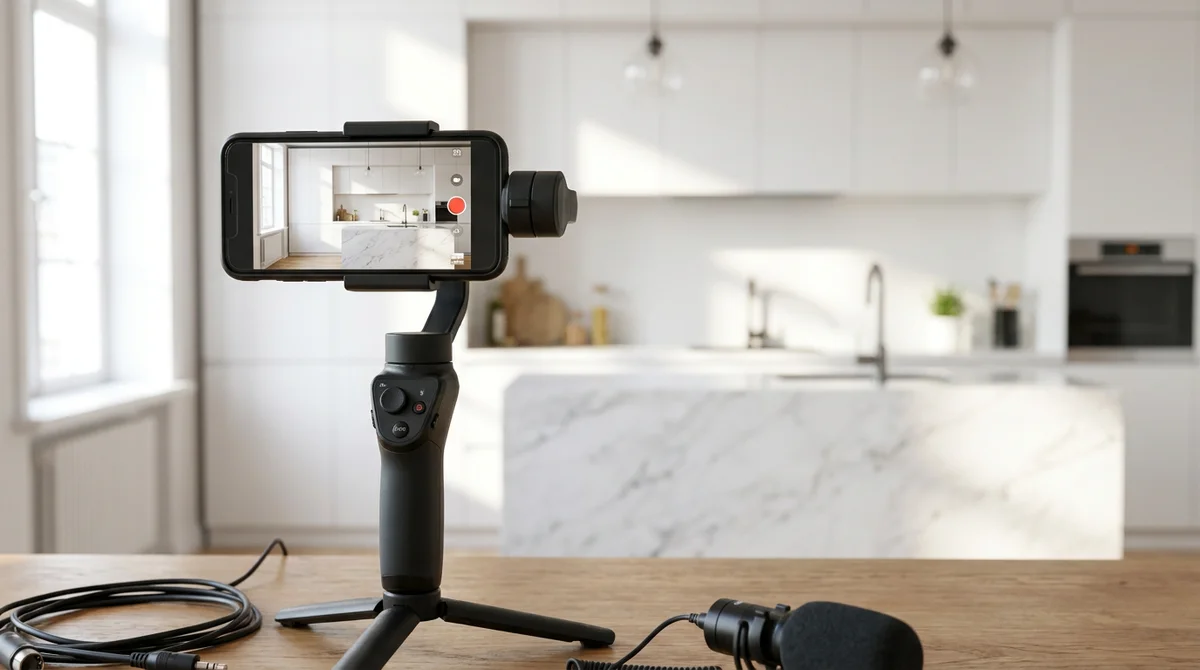
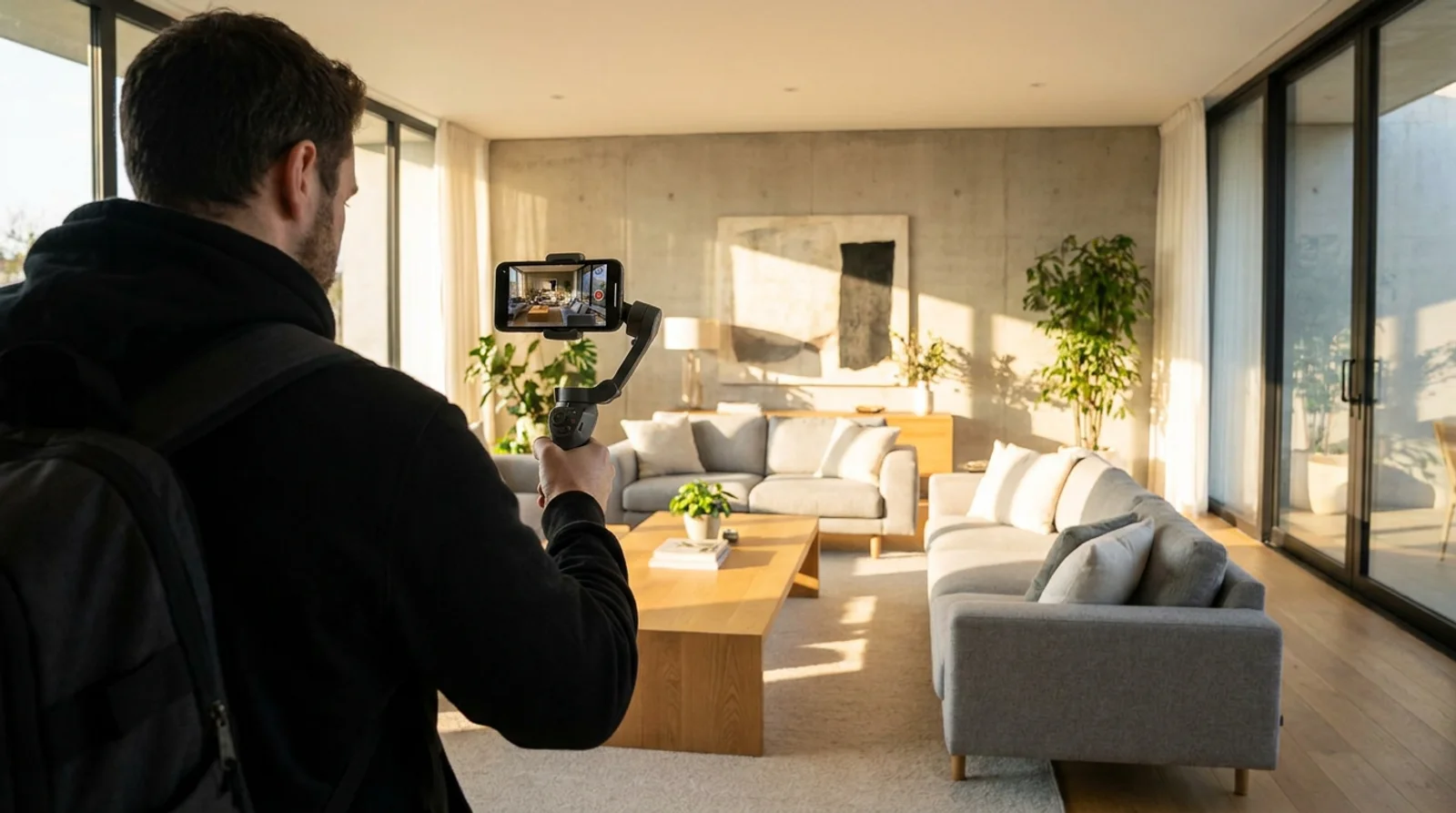
The DIY phone method works fine if you have the time and a steady hand. Use a basic gimbal, not handheld, footage without stabilization reads as amateur no matter how nice the house is. Shoot during the same golden-hour window you'd use for photos, walk at a slow, even pace, and resist the urge to narrate live; capture clean audio-free footage and add narration in post. Budget an hour of editing for every minute of finished video, that's the part agents underestimate.
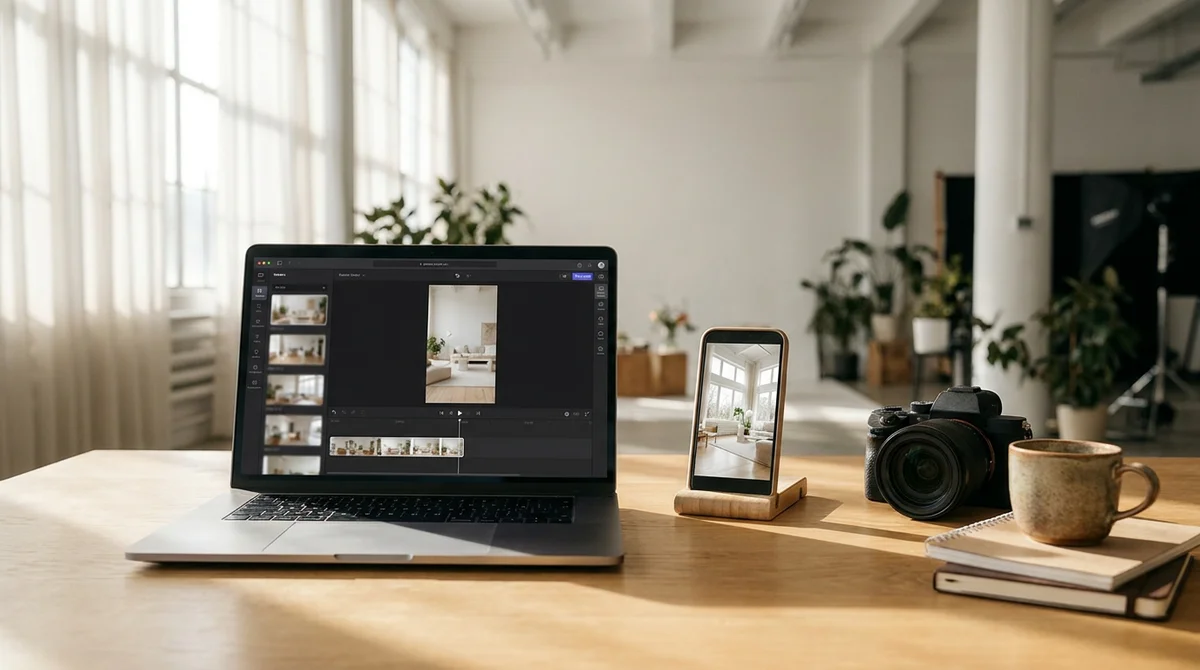
AI-generated from photos skips the filming step entirely. RoomLift's Compose imports the photos and details straight from a listing URL, then applies a property tour preset that turns each still into a smooth camera-motion shot instead of a static slideshow, including generated close-up detail shots pulled from a single photo when a room needs one more angle. Compose adds an AI voiceover and AI-generated background music matched to the property, all inside a timeline editor, and exports in the aspect ratio you need: 16:9 for the MLS and YouTube, 9:16 for Reels and TikTok, or 1:1 and 4:5 for Instagram feed posts. If your listing photos still need staging or cleanup first, RoomLift's real estate photo editing handles that in the same workflow before the photos ever reach the timeline. The output is a finished walk-through in minutes rather than a scheduled shoot, at a fraction of what a dedicated $300-500 videographer session costs.
Turn your listing photos into a polished walk-through video with RoomLift Compose.
Stage your first room in 20 seconds. No design skills needed.
Neither approach is wrong. If a listing is a flagship property with a marketing budget to match, hiring a videographer or shooting it yourself with real care still produces something a fully AI-generated video can't fully replicate, live human framing decisions in the moment. But for the volume of listings most agents actually carry, where every property needs some video and none of them justify a half-day shoot, generating from photos is what makes "every listing gets a video tour" realistic instead of aspirational, and it sits alongside the other AI tools real estate agents are already using to look full-service without adding headcount.
How Long Should It Be, and Where Should It Go
Match the length to the platform, not the other way around. A full walk-through video for the listing page or YouTube should run 60 to 180 seconds, enough to cover every major room without dragging. For Instagram Reels and TikTok, cut that down to 15 to 30 seconds built around the two or three strongest shots, the kitchen and the exterior almost always outperform anything else.
The practical friction is that re-editing and re-exporting the same footage in three aspect ratios by hand takes almost as long as producing the video in the first place. This is the second place generating from photos pays off: once the master edit exists, exporting a 9:16 version for Reels or a 1:1 version for a feed post is a render setting, not a new editing session. If you're only publishing one version, publish 16:9 to the MLS and your own site first, that's where buyers spend the most time per view, then repurpose down to vertical formats for social reach.
Frequently Asked Questions
What is a real estate walk-through video?
A real estate walk-through video is a continuous, room-by-room video tour of a property, usually narrated, that follows the same path a buyer would walk in person. It's used on MLS listings, YouTube, and listing pages, and it's distinct from a 360-degree virtual tour or a short social clip.
How is a walk-through video different from a virtual tour?
A walk-through video is a fixed, edited clip the viewer watches passively from start to finish, while a virtual tour is typically a 360-degree format the viewer clicks and drags through at their own pace. Walk-through videos work well for MLS and social distribution; virtual tours suit buyers doing self-guided research before requesting a showing.
How long should a real estate walk-through video be?
Most effective walk-through videos run 60 to 180 seconds for a full listing, long enough to cover every major room without losing viewer attention. A shorter 15 to 30 second cutdown performs better on Instagram Reels and TikTok, where the goal is driving traffic back to the full listing rather than showing everything.
What should I say in a video walkthrough narration?
Keep narration factual and paced to the visuals: open with the address and one headline feature, name a single detail per room, and close with a call to action to schedule a showing. Avoid reading the full listing description over the video; narration should complement what's on screen, not repeat it.
Can I make a real estate video tour from photos instead of filming?
Yes. Tools like RoomLift's Compose turn listing photos you already have into a video tour by animating each still into a smooth camera-motion shot, then layering in AI voiceover and matched background music on a timeline. It produces a finished video in minutes instead of scheduling a dedicated shoot.
How much does a real estate walkthrough video cost?
Hiring a dedicated videographer for a walk-through typically runs $300 to $500 per shoot, while some photographers bundle a shorter clip into their photo packages for $150 to $300. Generating one from existing listing photos costs a fraction of either, since there's no second shoot to schedule.
Ready to transform your listings?
Stage your first room in 20 seconds. No design skills needed.