
The AI platform for design and real estate
Redesign rooms, stage empty properties, create property videos, and explore designs in 3D from a photo, a sketch, or just a prompt.
Start designing for free5 free credits included. No credit card required.
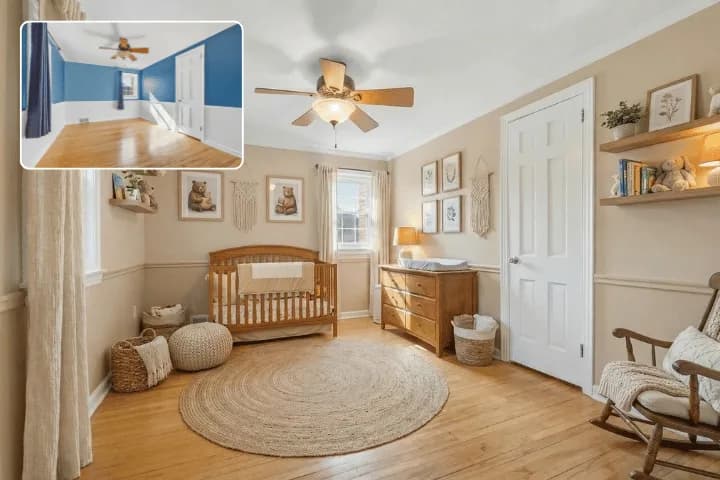
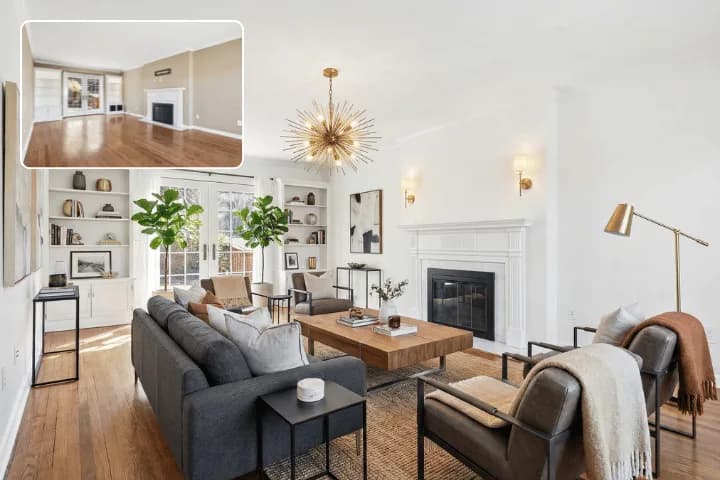
Built for your work
One platform, made for how you work
Choose your craft and see the outcomes RoomLift delivers.

List faster, sell faster
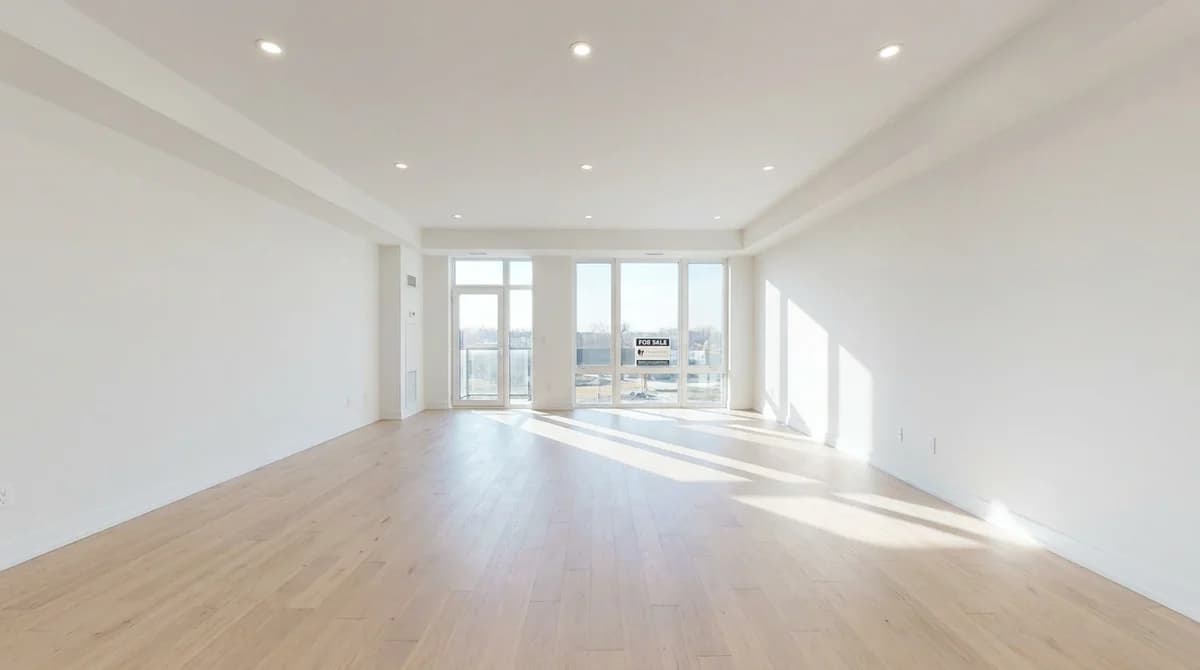
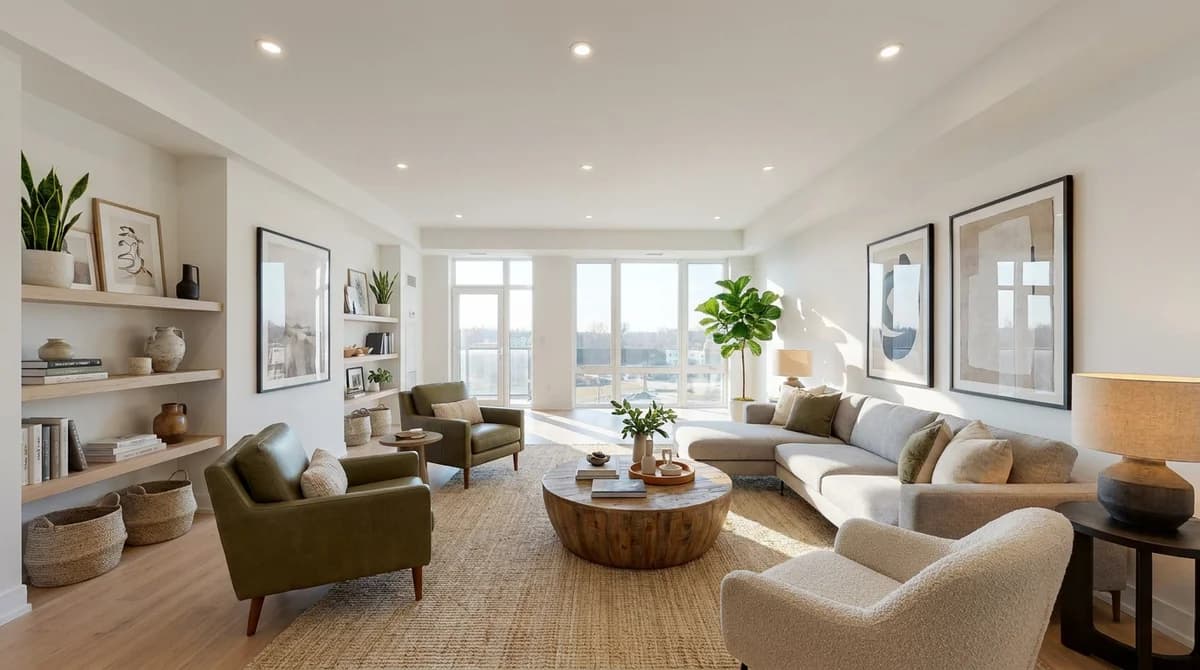
Stage empty rooms instantly
Turn bare rooms into warm, furnished homes that help buyers connect and book more viewings, for a few dollars each.
Same-day listing photos
Shoot today and publish polished, styled photos tonight, so your listing hits the market before competing properties do.
Every listing gets a tour video
Turn your staged photos into a tour video with voiceover and music, ready for Instagram, TikTok, and MLS the same day you list.
One platform · Five tools
A complete creative suite
Everything you need to visualize, present, and sell, from first concept to final delivery.
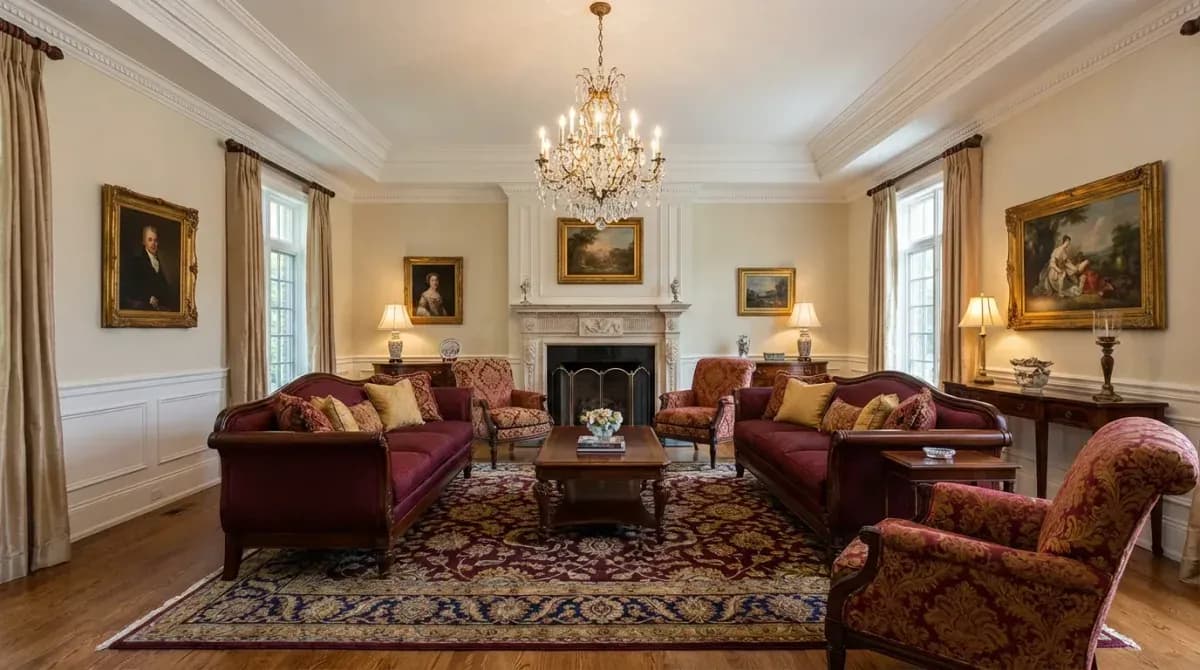
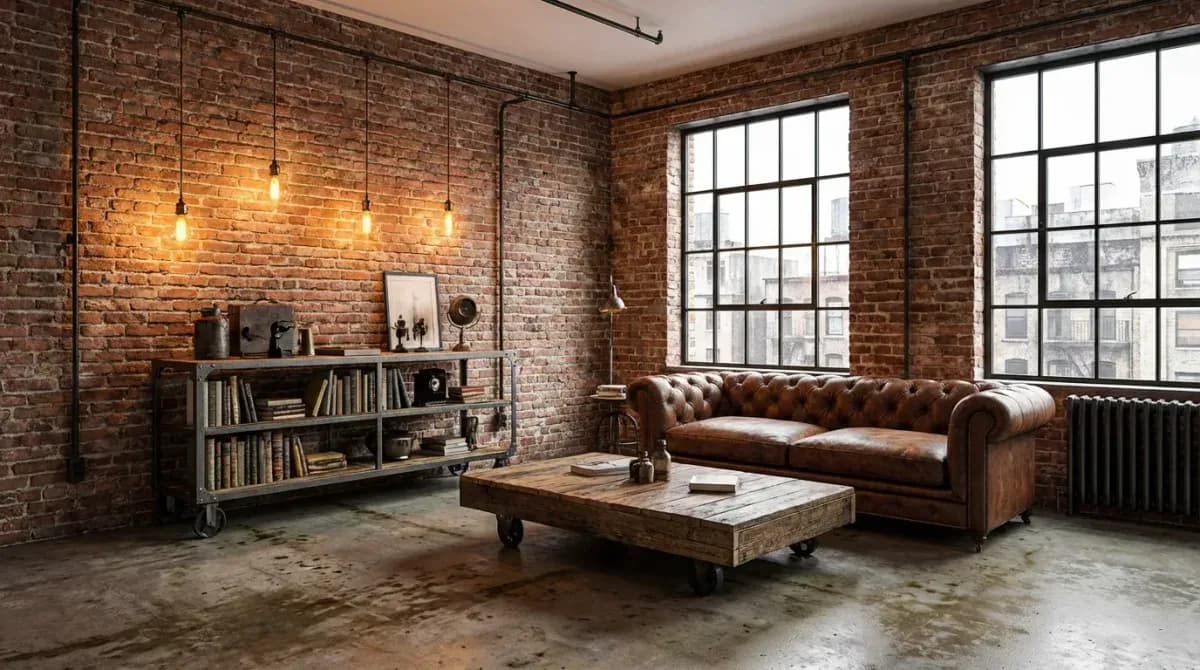
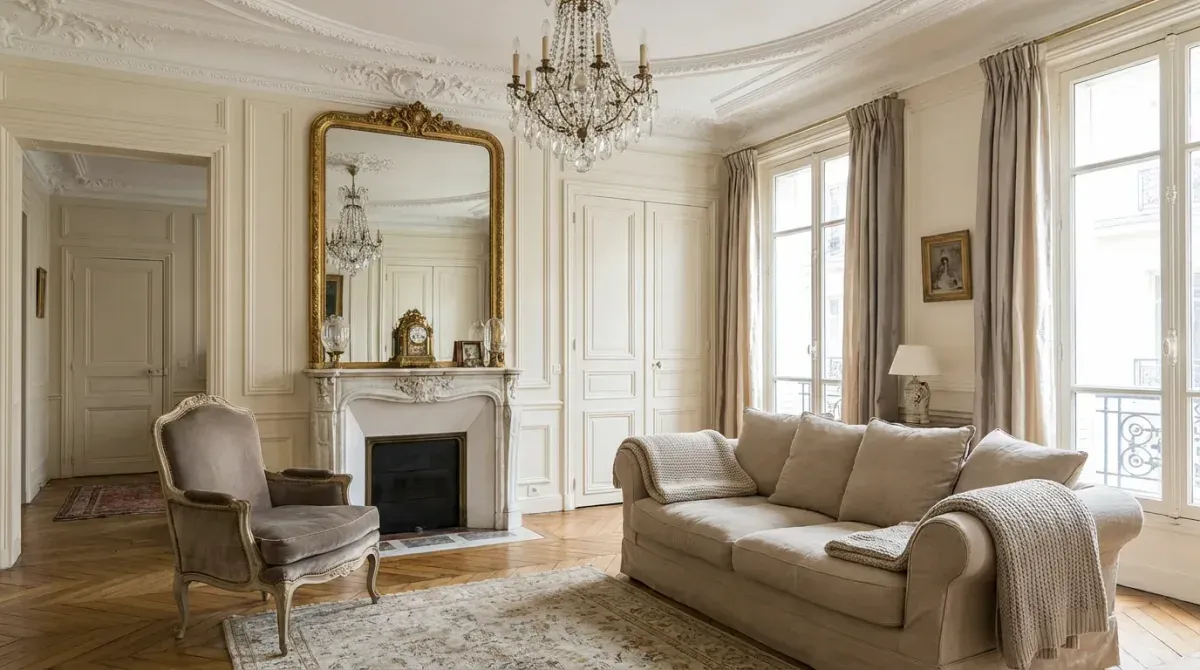
Restyle any room in seconds
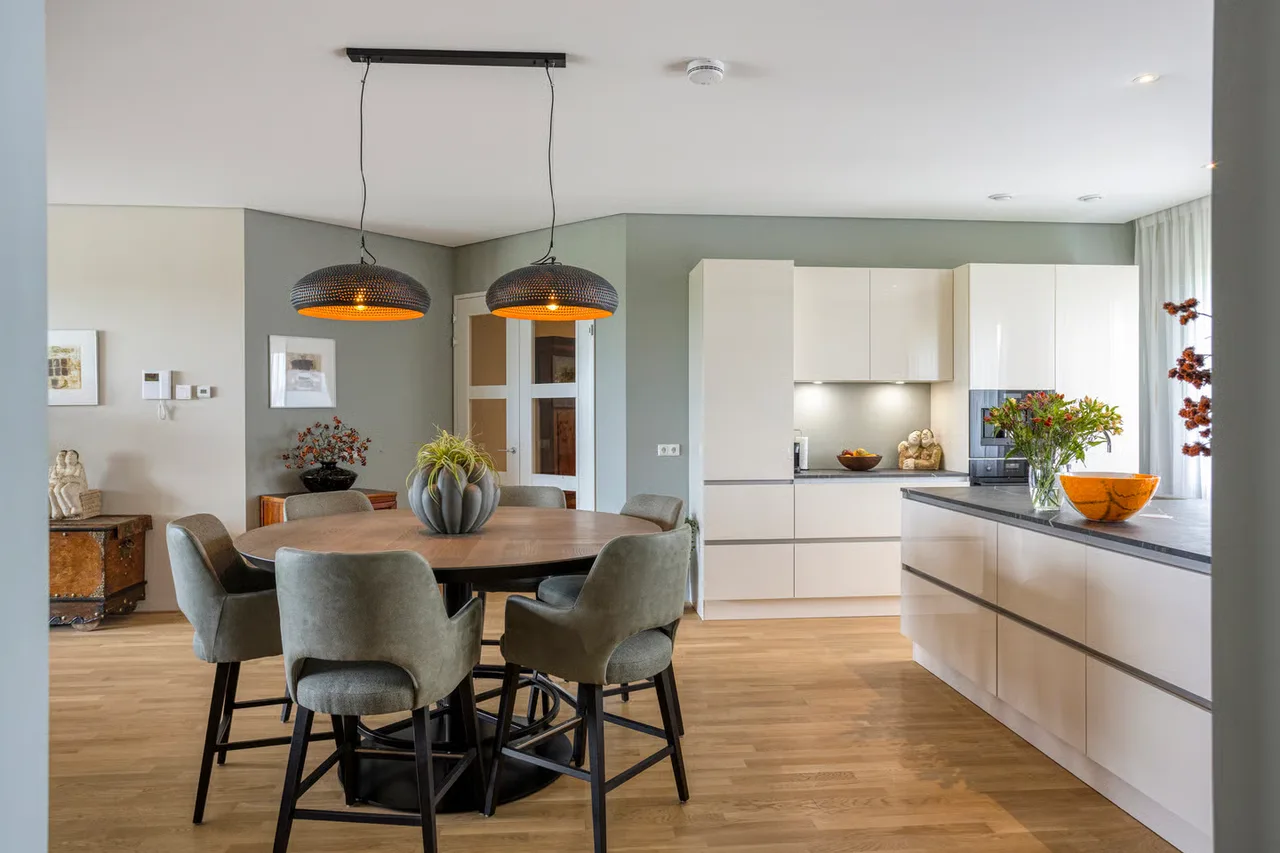
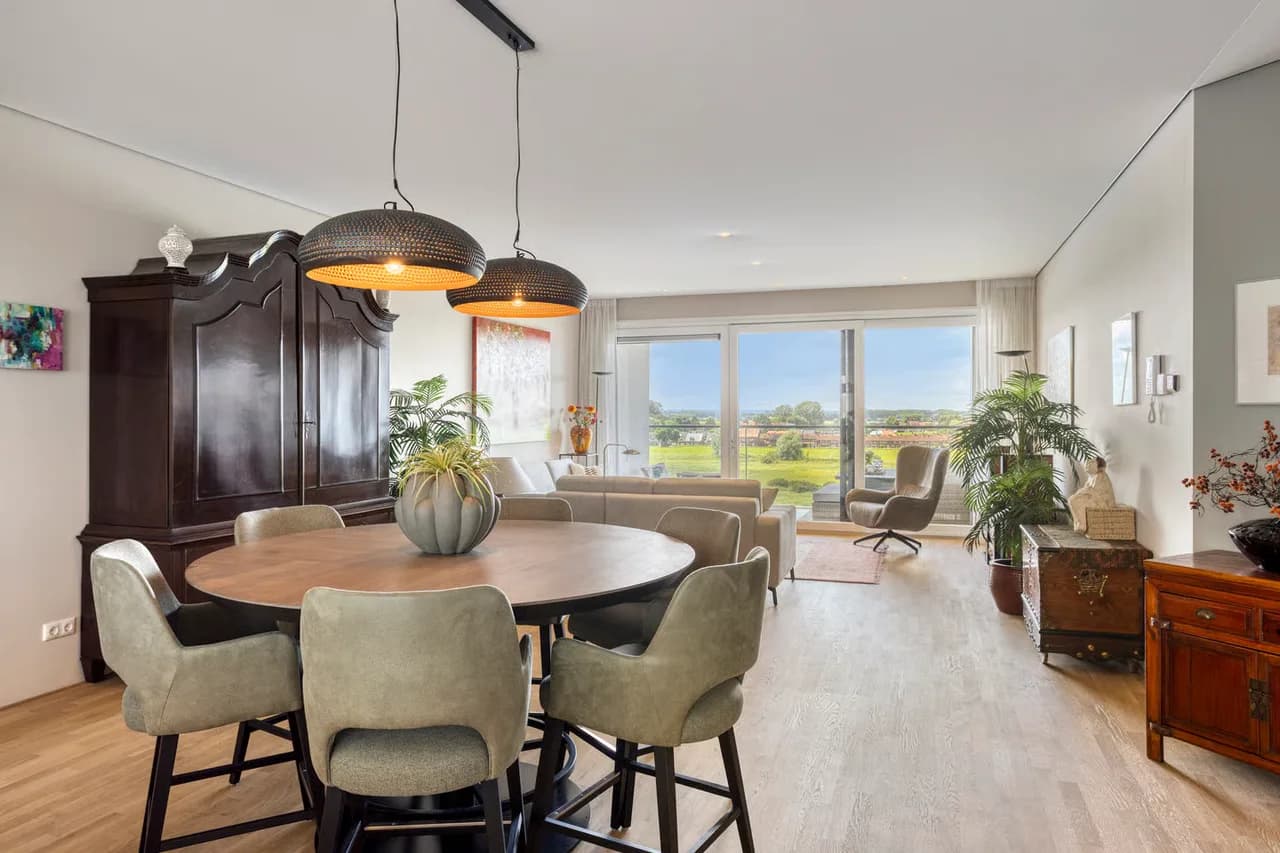
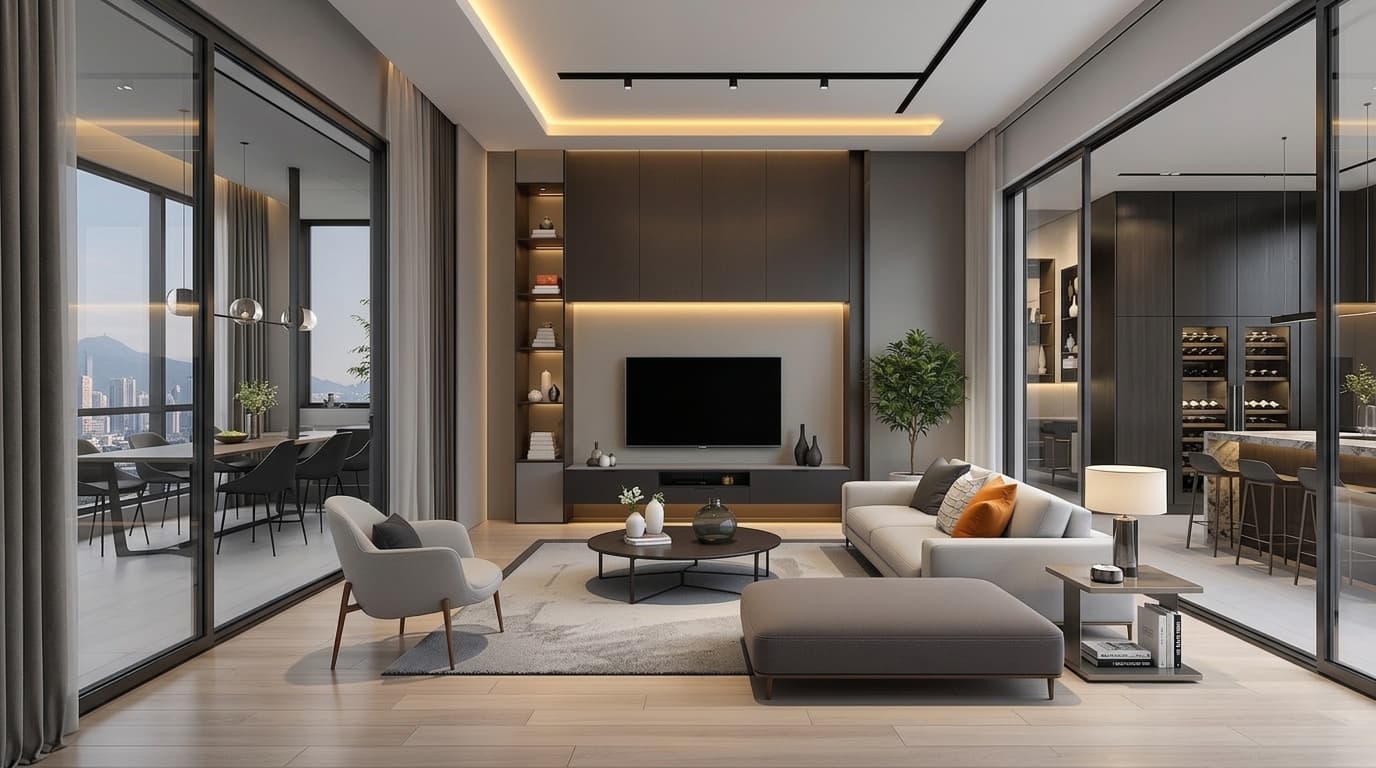
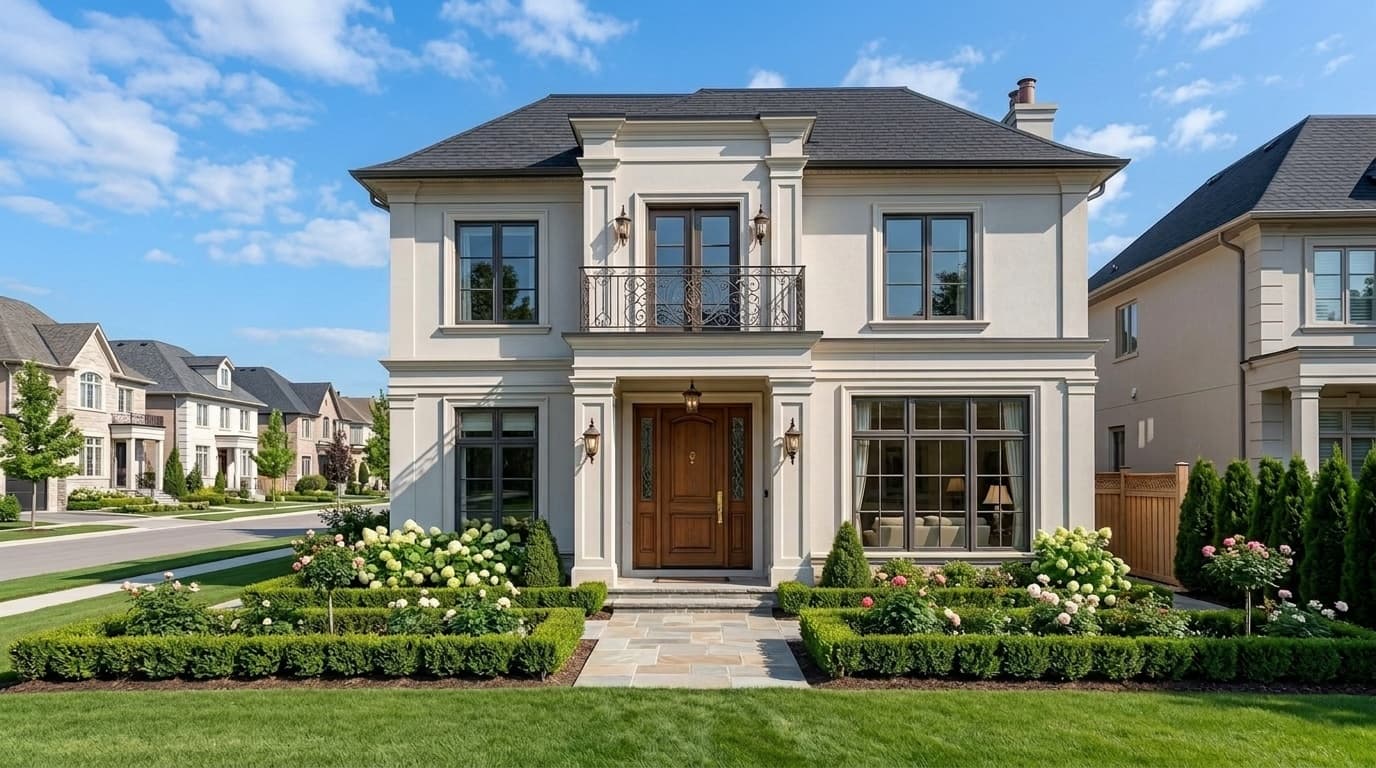
Upload a photo of any interior or exterior and transform it into a completely new style. Choose from 7+ design presets or transfer your own reference image.
- Interior and exterior support
- 7+ styles: Scandi, Japandi, Modern, Industrial, and more
- Up to 4K resolution export
- Multiple variations per generation
- Custom style transfer from reference images
Use it for
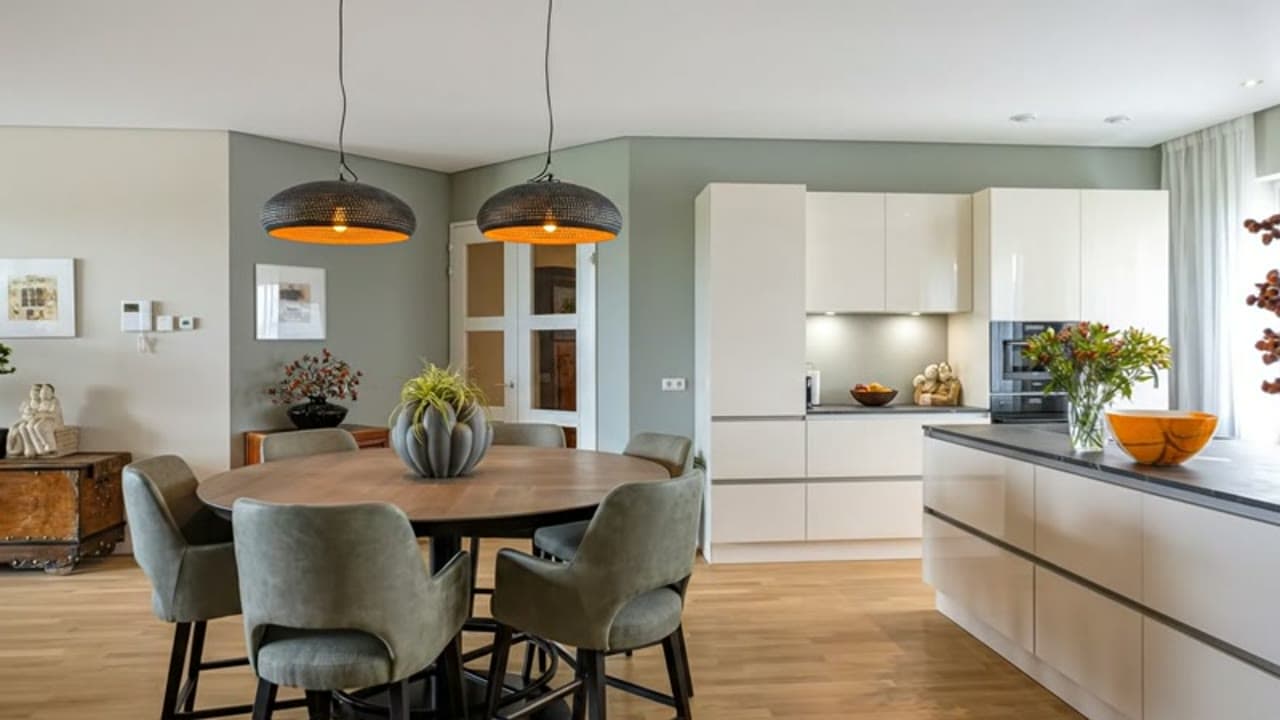
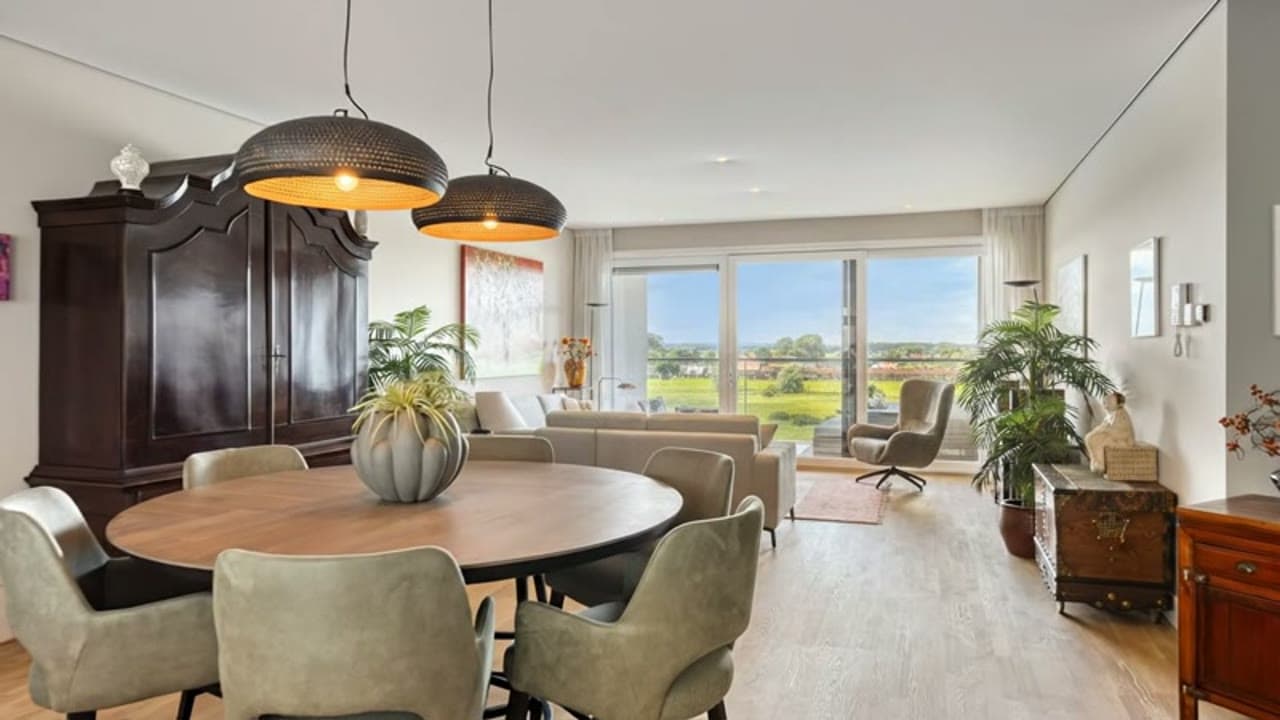
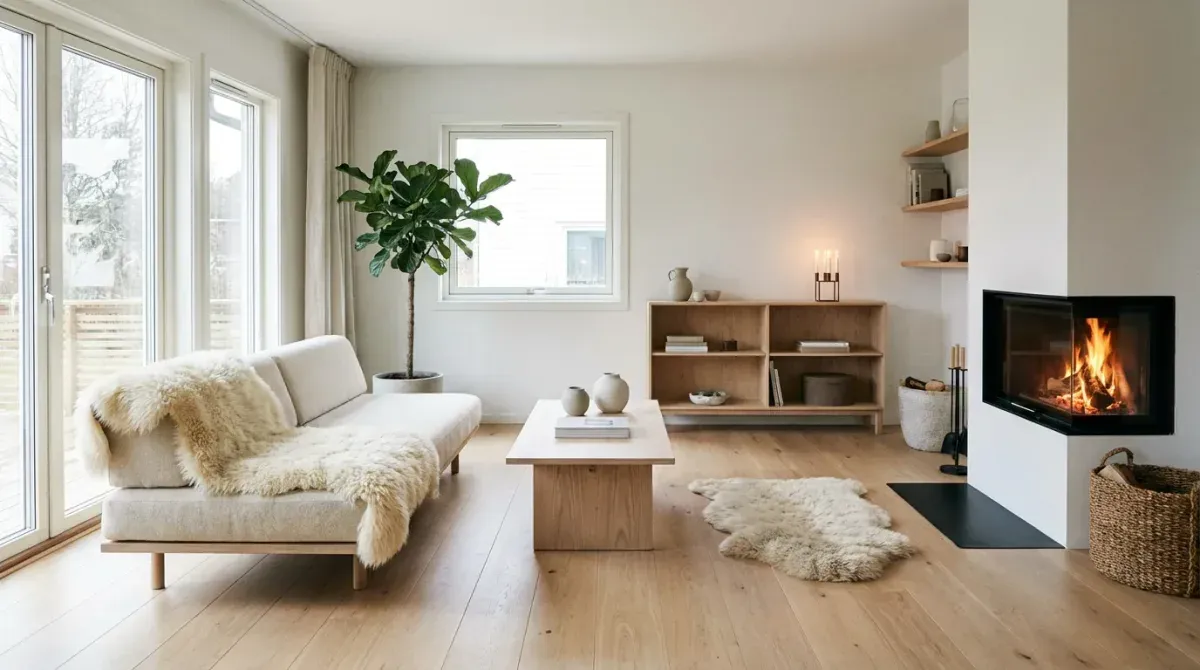
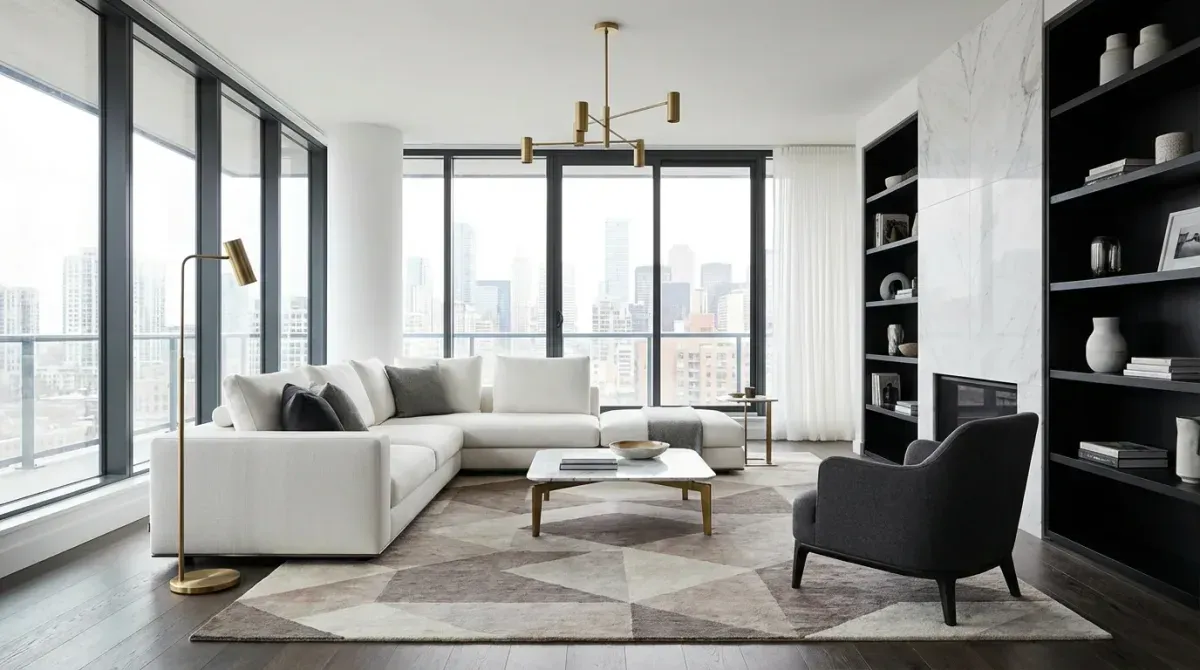
Fine-tune every detail with natural language
Describe what you want changed and watch it happen. Swap furniture, adjust lighting, add elements, all through simple text commands.
- Natural language editing, just describe the change
- Brush and selection tools for precise control
- Layer management and version history
- Asset library with furniture and decor
- Non-destructive edits you can undo anytime
Use it for
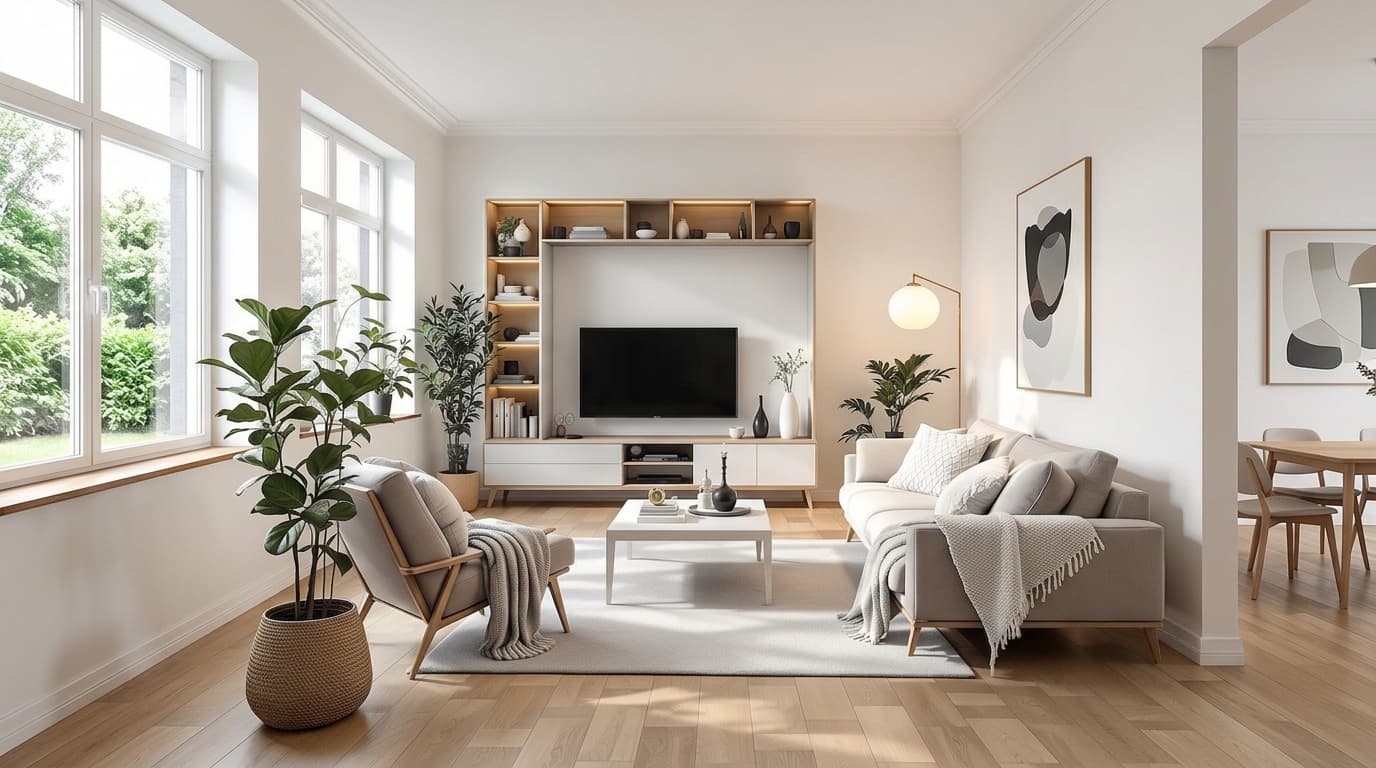


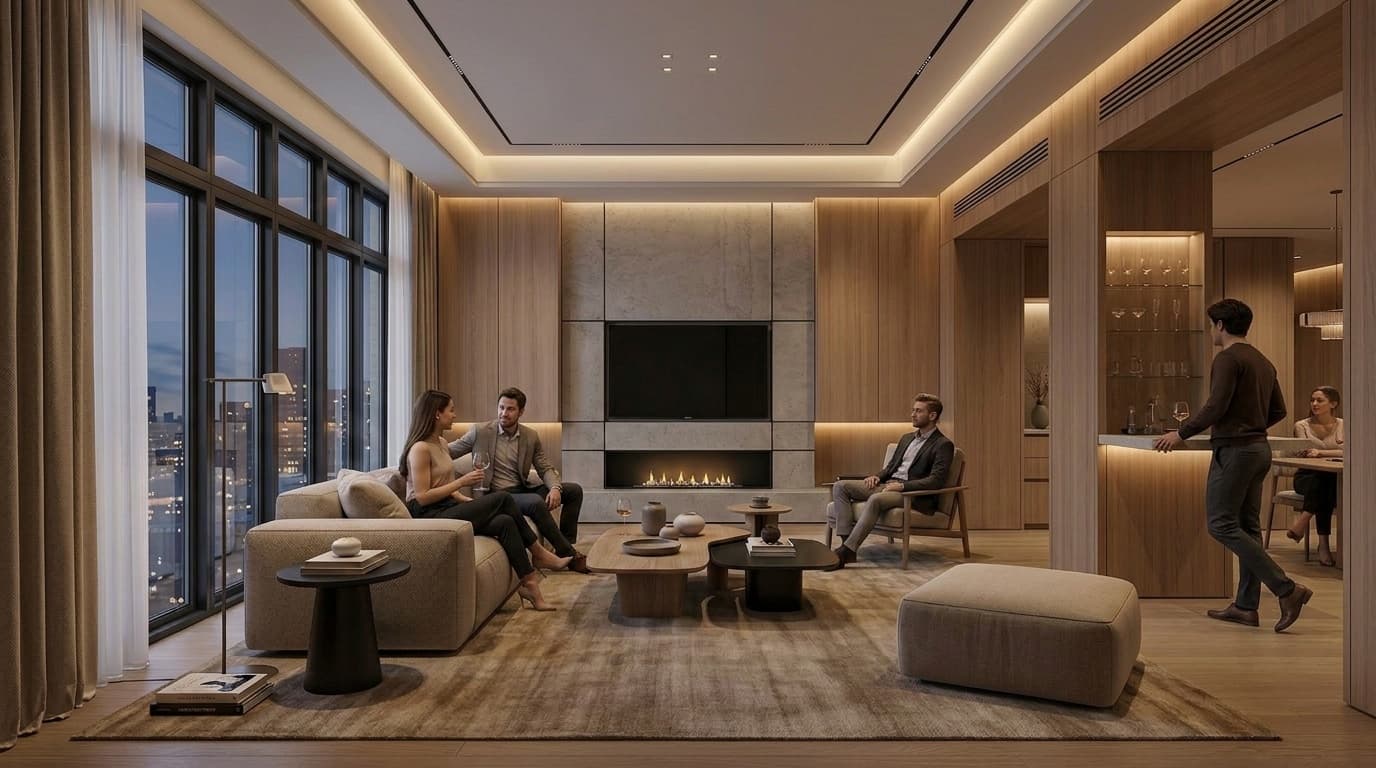
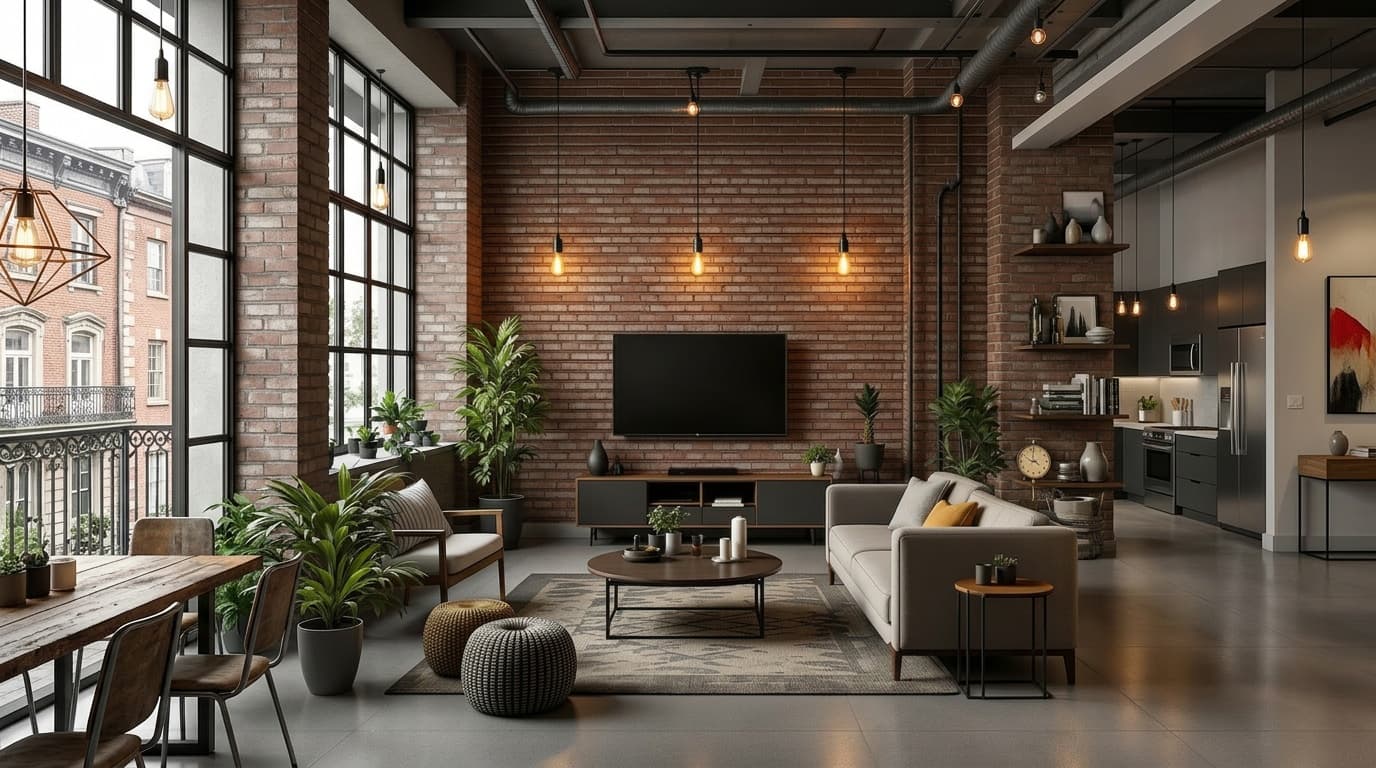
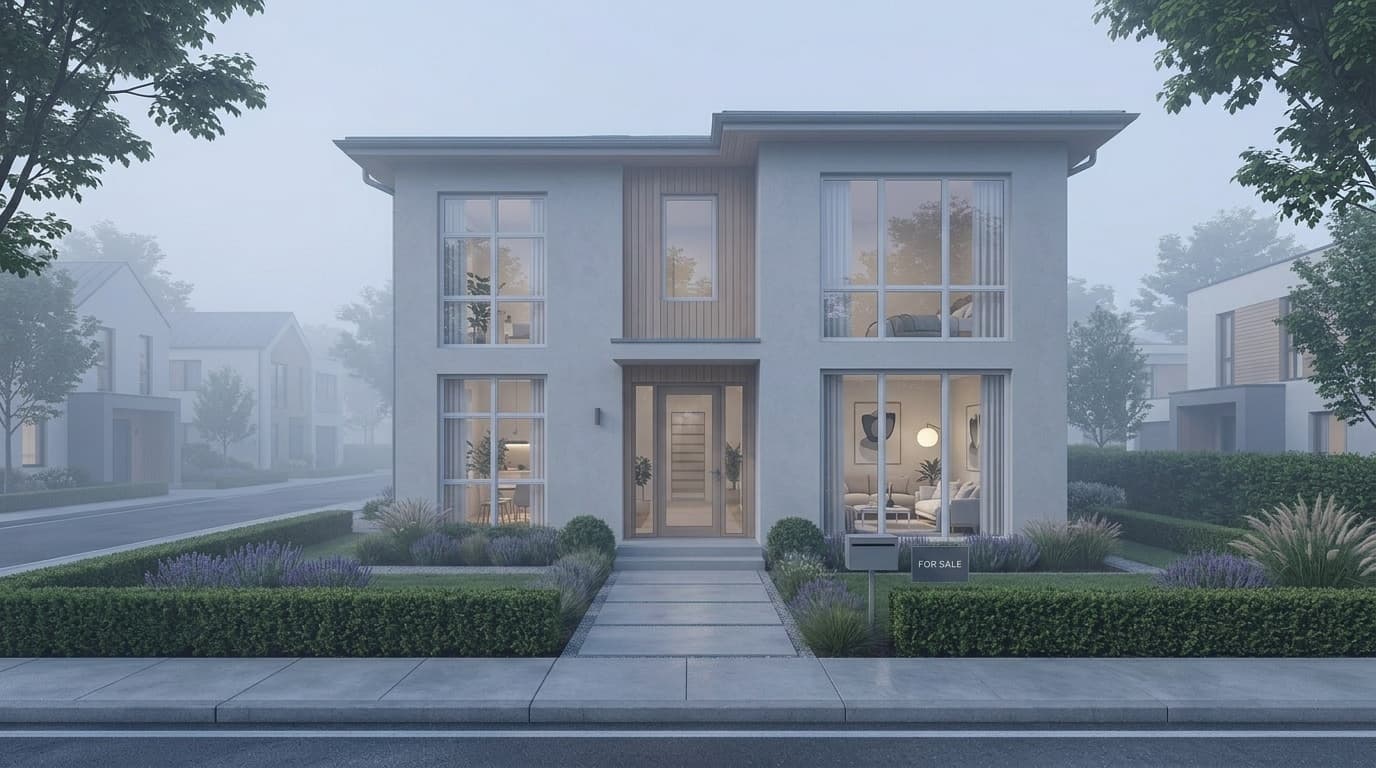

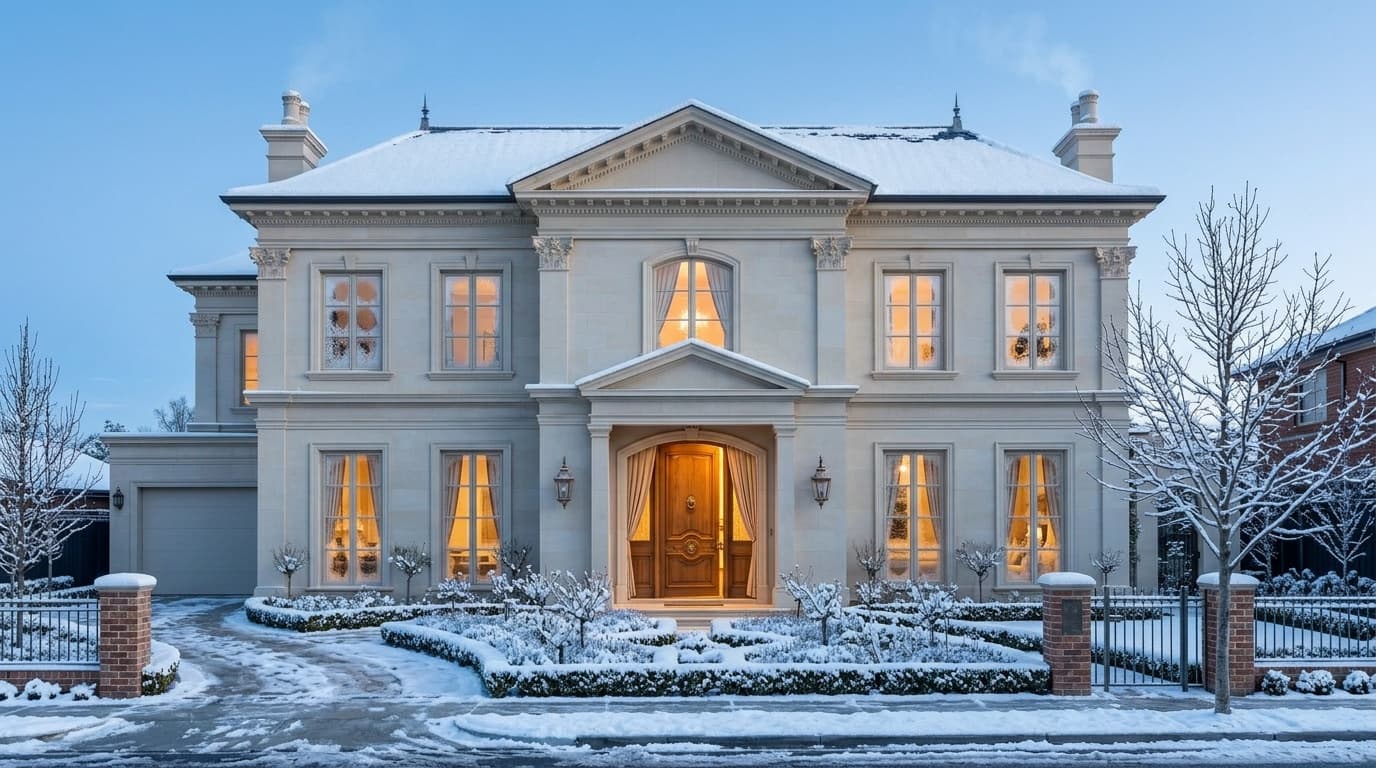
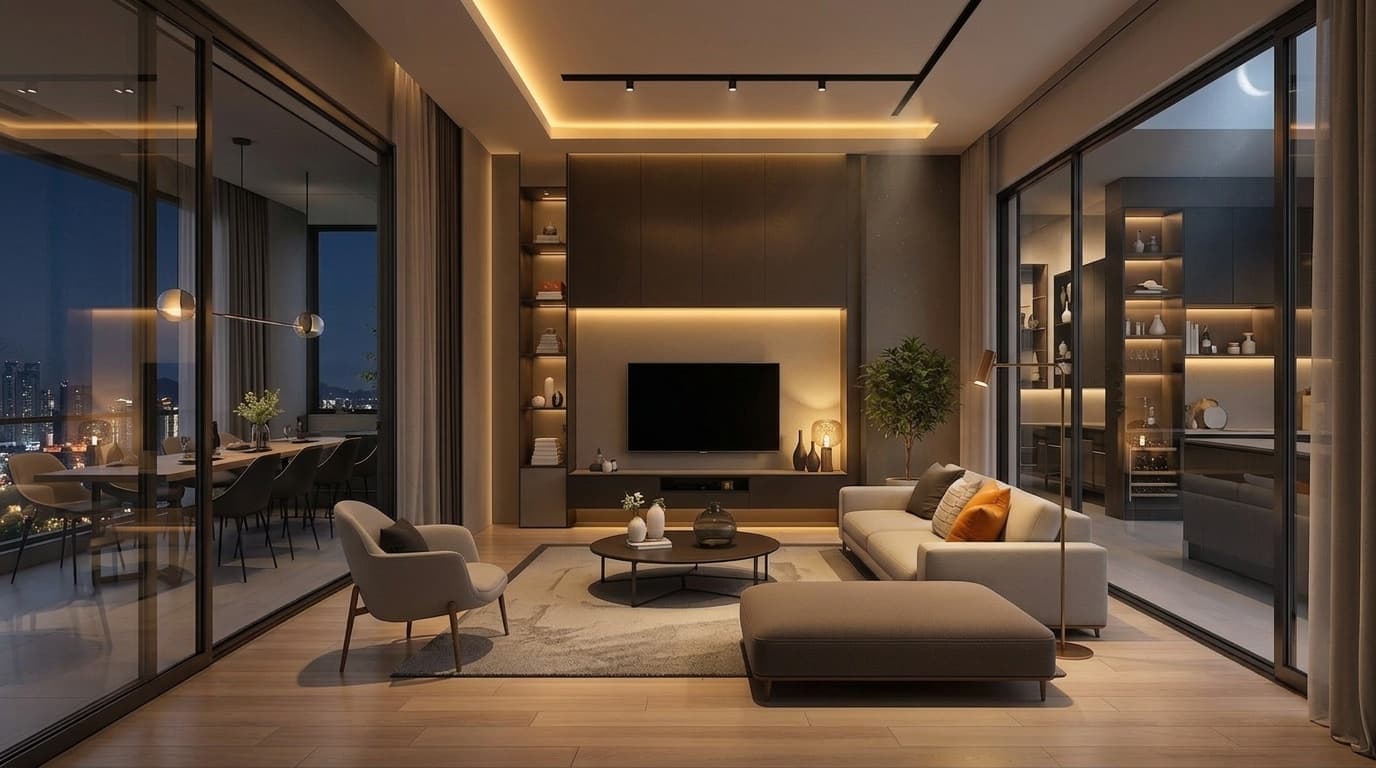
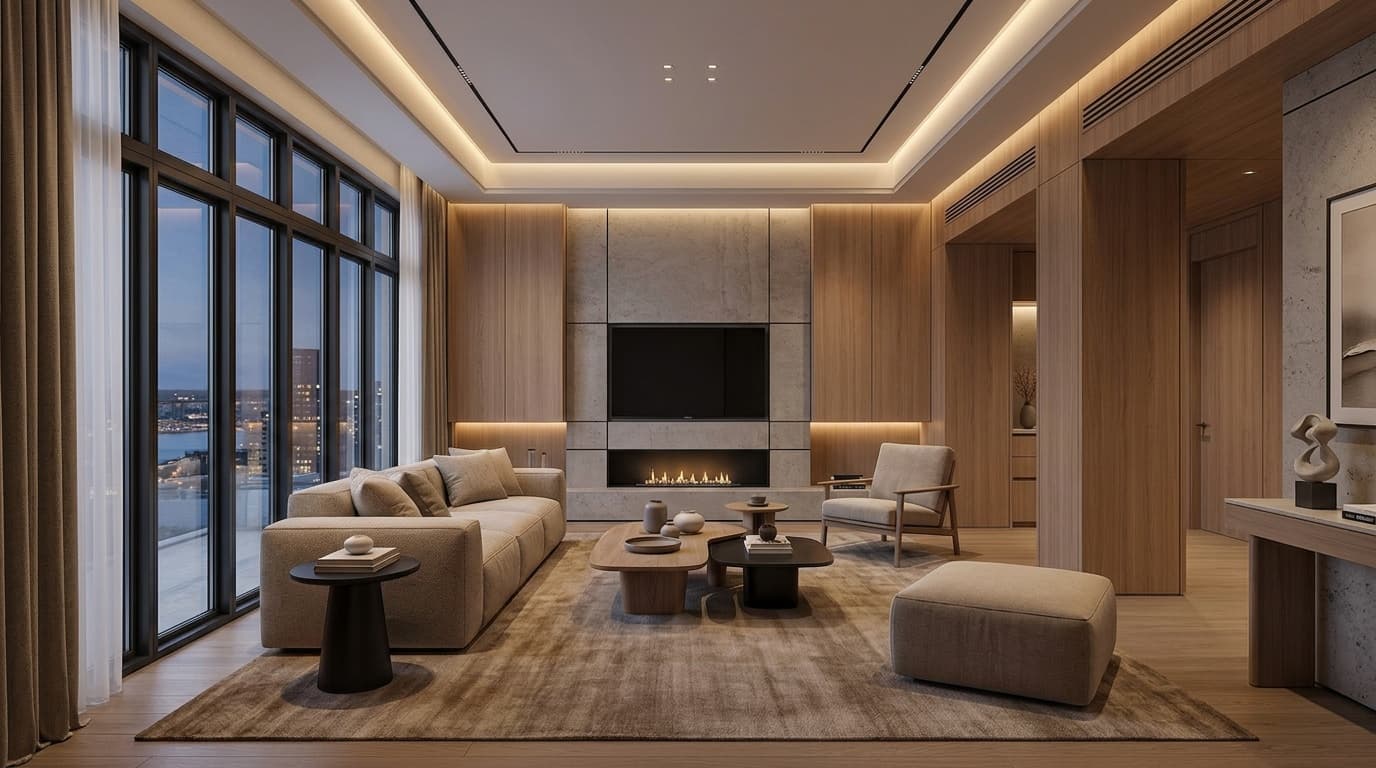
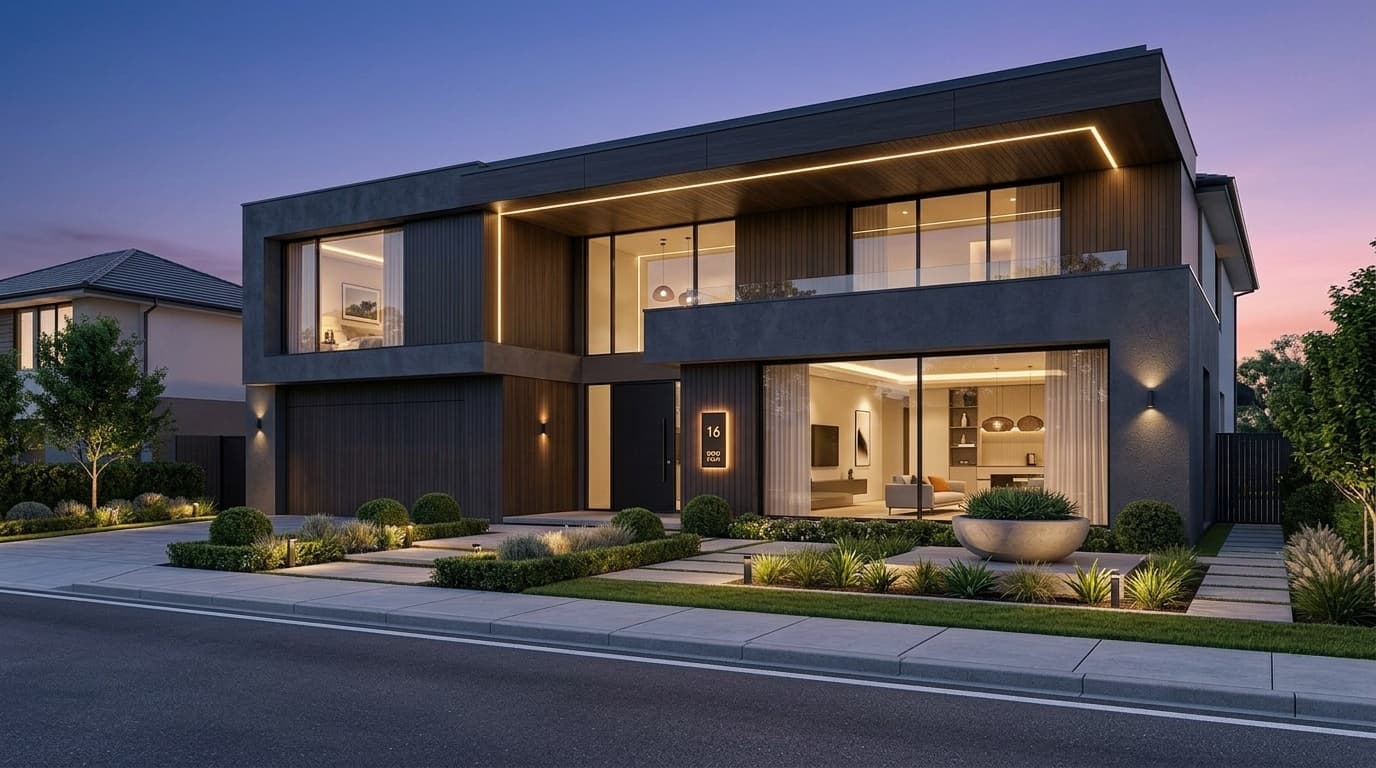
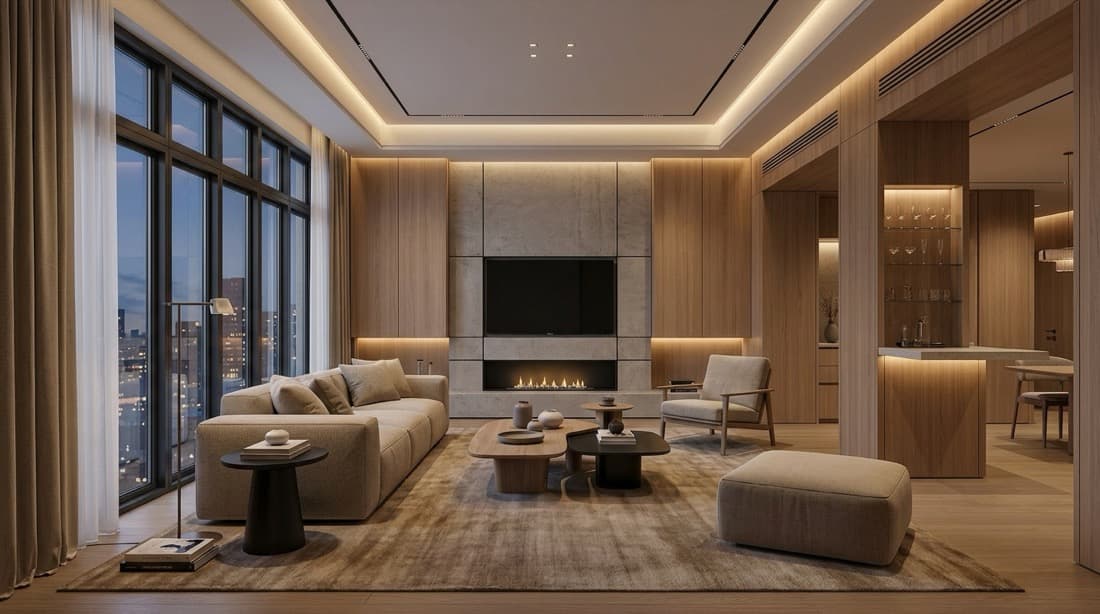
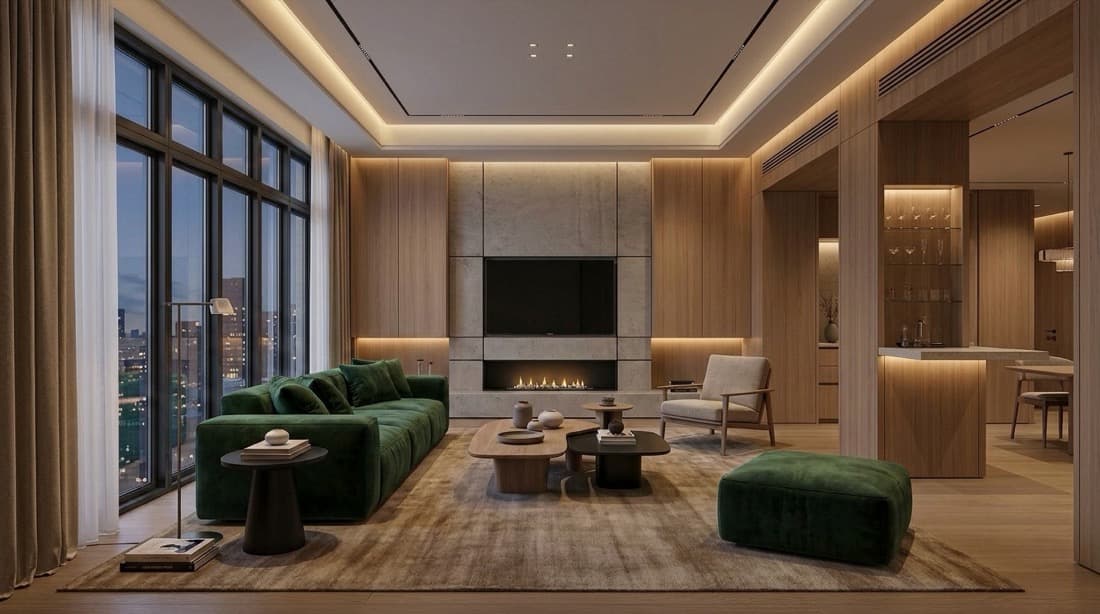
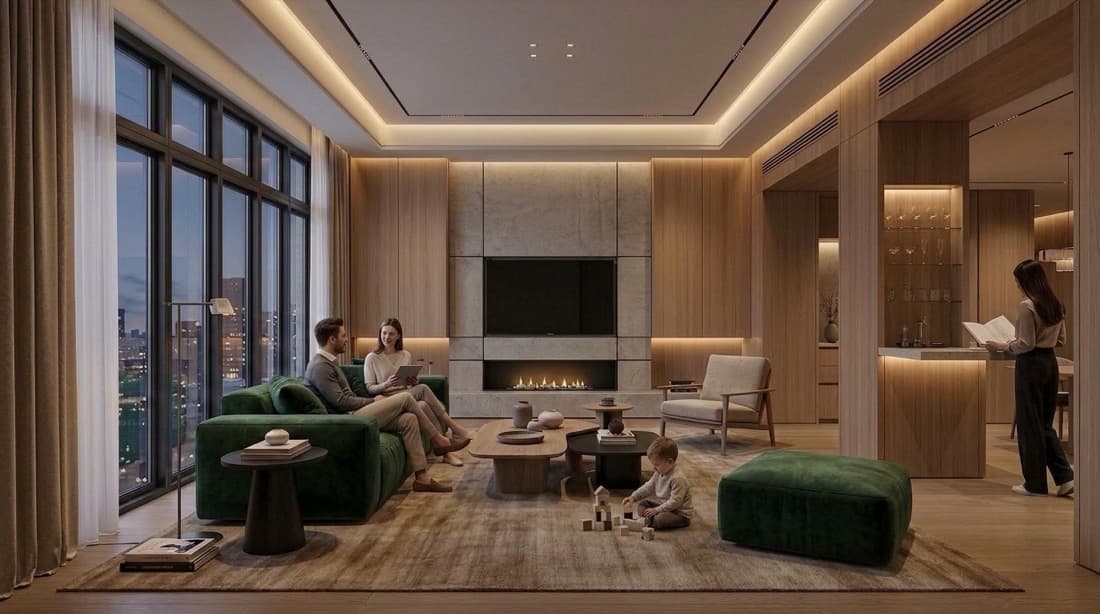
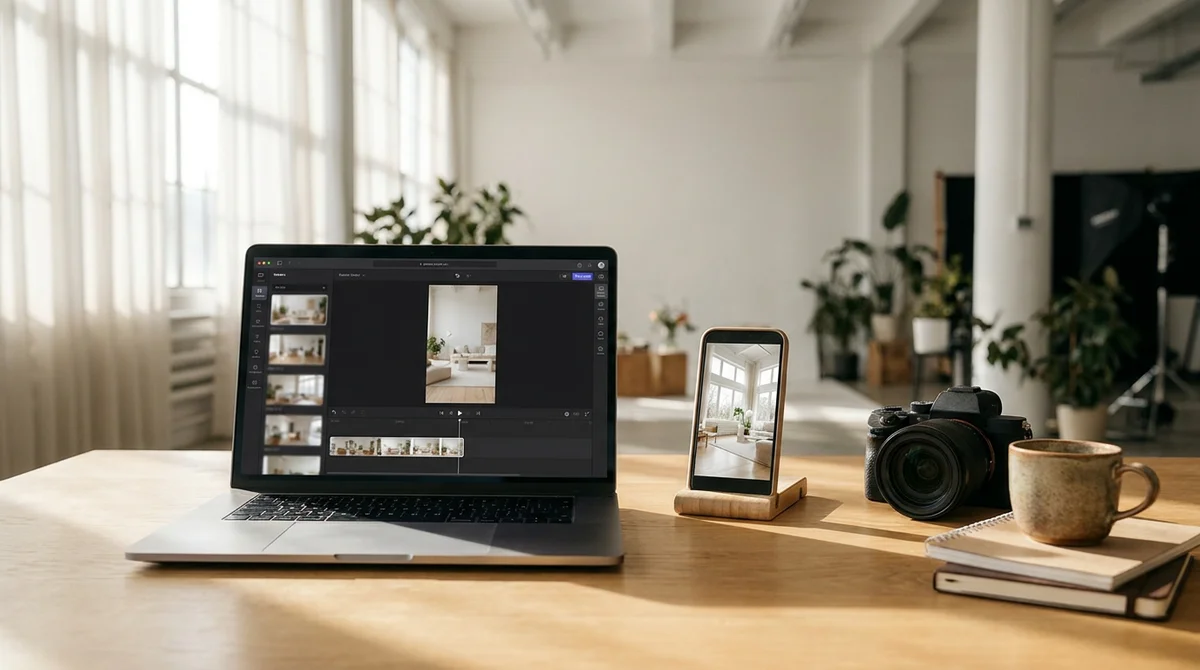
Turn staged photos into listing videos
The rooms you stage become the video you post. Import a listing, and Video Maker builds a tour with cinematic camera motion, AI voiceover, captions, and music. No editing experience needed.
- Start from a listing URL, photos import automatically
- AI close-up shots bring details to life from one photo
- AI voiceover and captions, timed to every clip
- Background music generated from a text prompt
- Export 9:16 for Reels and TikTok, 16:9 for MLS and YouTube
Use it for








Organize projects visually
A node-based workspace to plan and manage design projects. Chain generations, compare options, and build visual workflows.
- Node-based drag-and-drop workspace
- Chain multiple generations together
- Compare style variations side by side
- Organize assets and concepts per project
- Share canvases with collaborators
Use it for
selected0:08Walk through your designs in 3D
Generate immersive 3D environments from your designs. Explore spaces with interactive camera controls, perfect for client presentations.
- AI-generated 3D environments from images
- Interactive camera and movement controls
- Share walkthrough links with clients
- Great for remote presentations and pitches
- No 3D modeling skills required
Use it for

The outcome
Designers used to wait three days and pay $200-500 for a single render. With RoomLift it takes about 60 seconds and costs a few dollars.
“I replaced a $200, three-day render pipeline with a 60-second one. Clients sign off in the first meeting now.”
Loved by designers & real estate professionals
See what our customers have to say
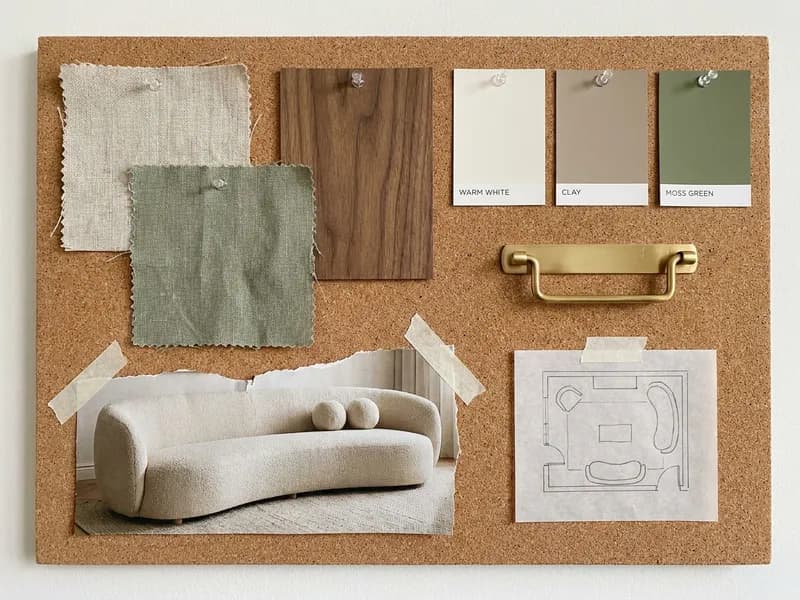
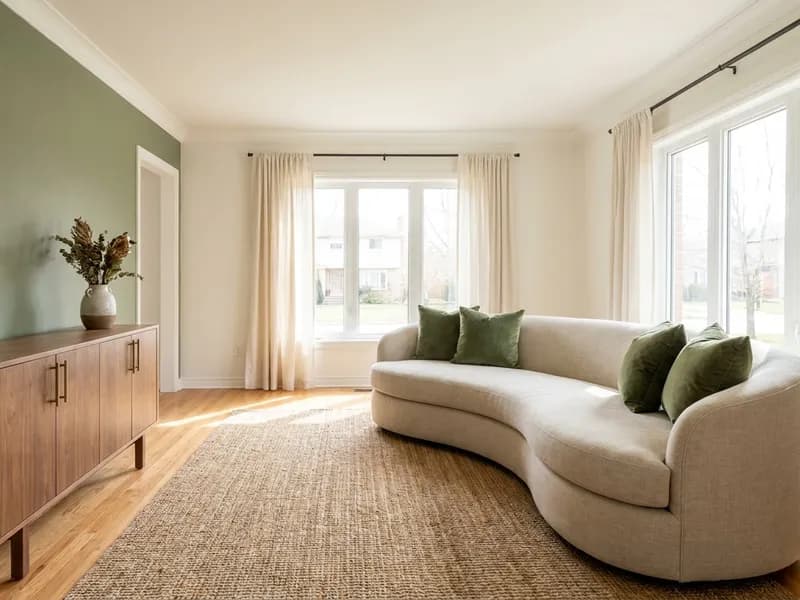

Clients Approve Concepts on the Spot
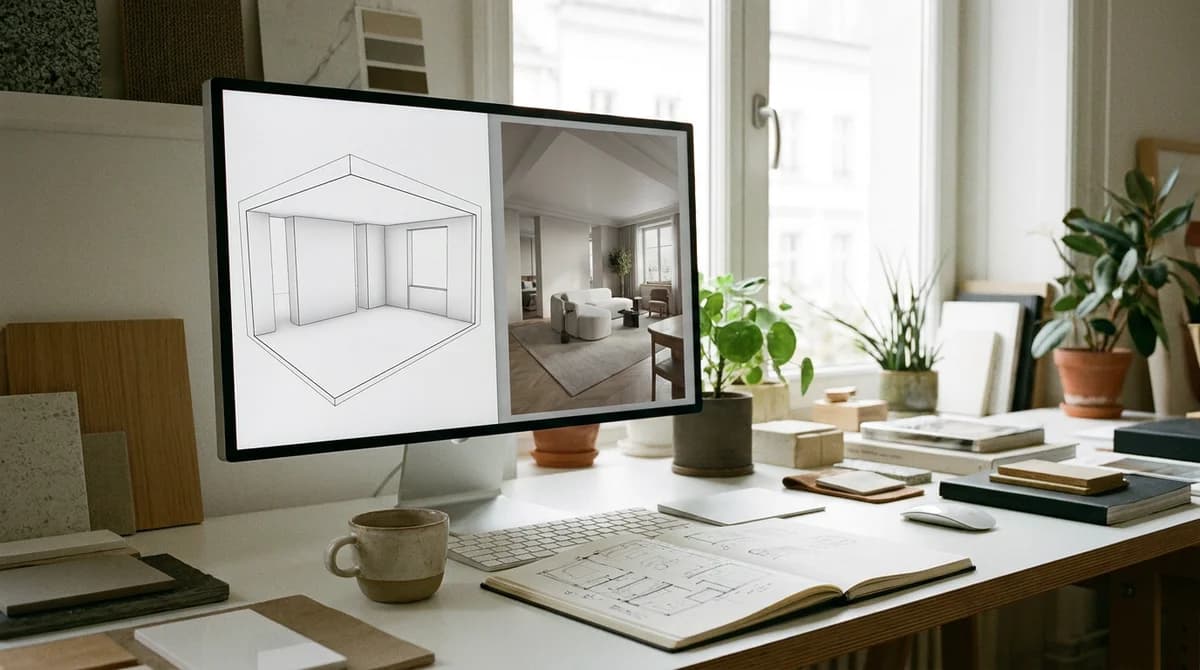
This is the mood board I brought to a client meeting, and the render I made from it while we were still at the table. They approved the living room before their coffee was cold.
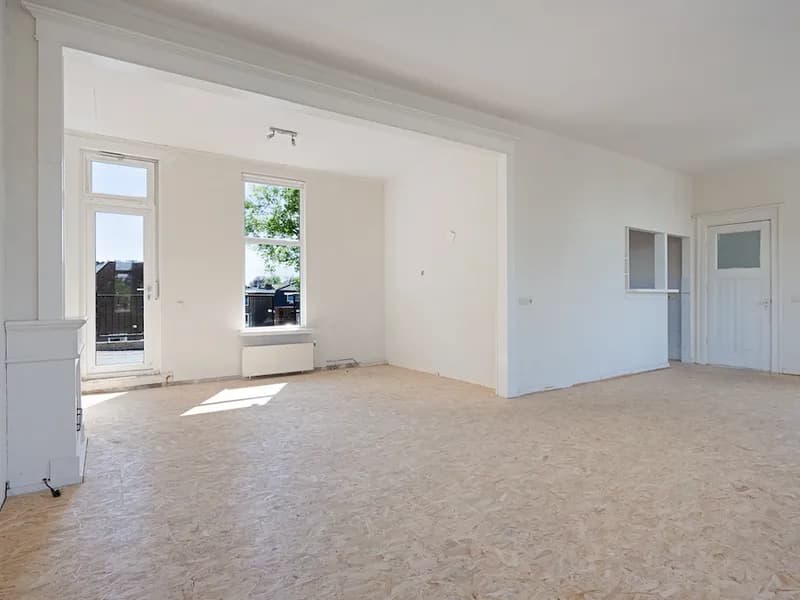
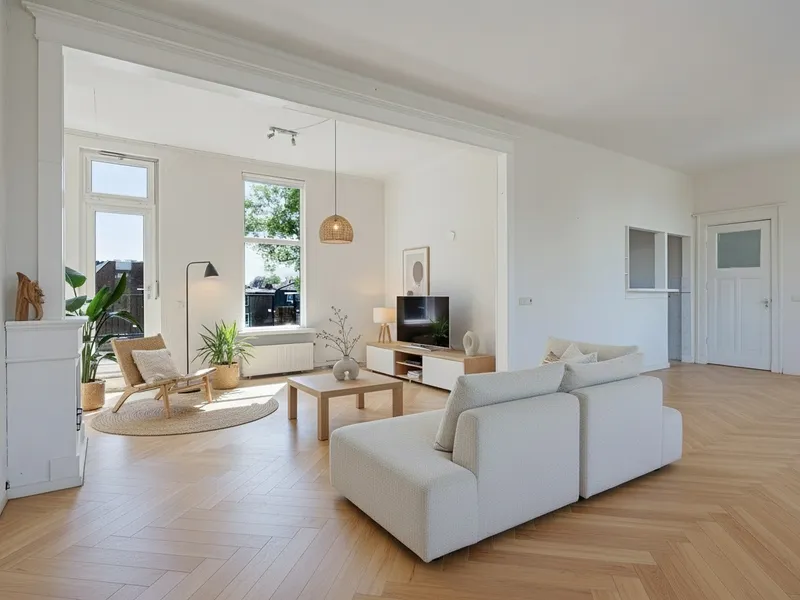

90% Cheaper Than Traditional Staging
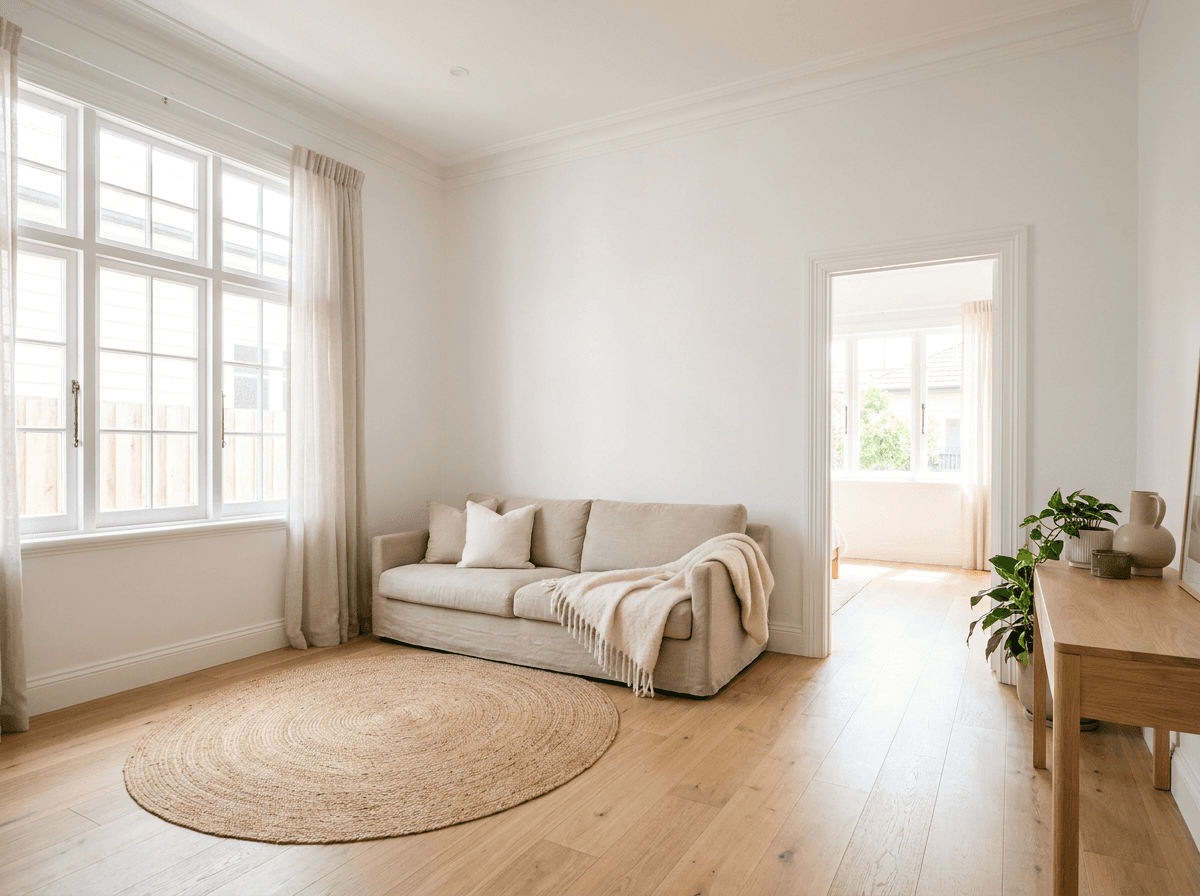
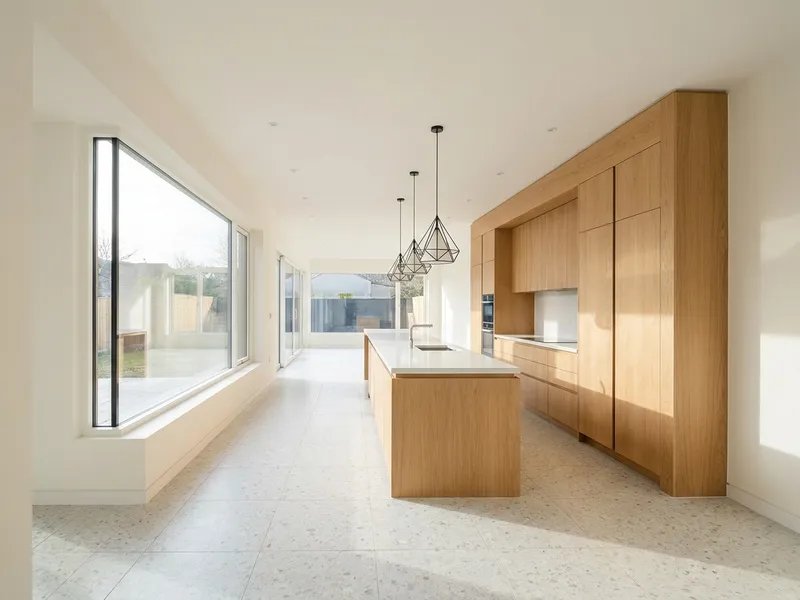
This living room sat empty for six weeks. I staged it with RoomLift for less than a tenth of the €3,000 I was quoted, and it went under offer the following weekend.
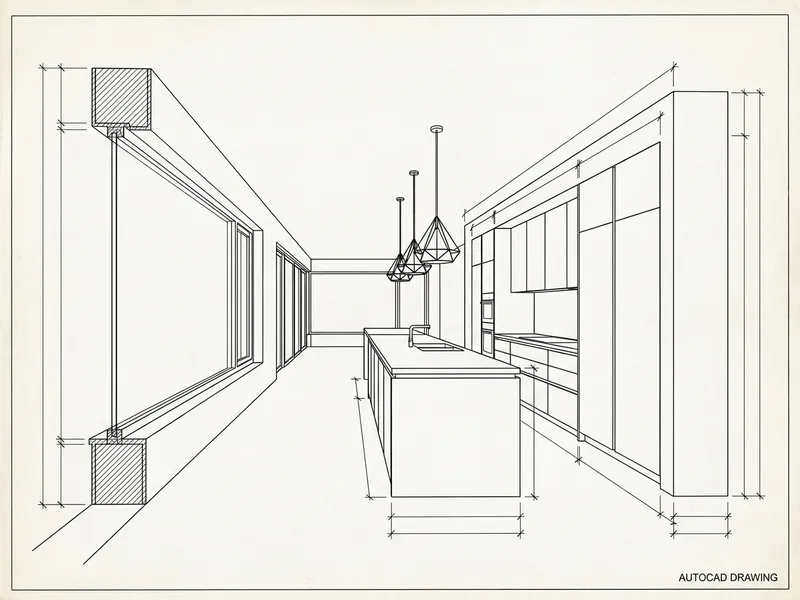

Replaced My 3D Render Vendor
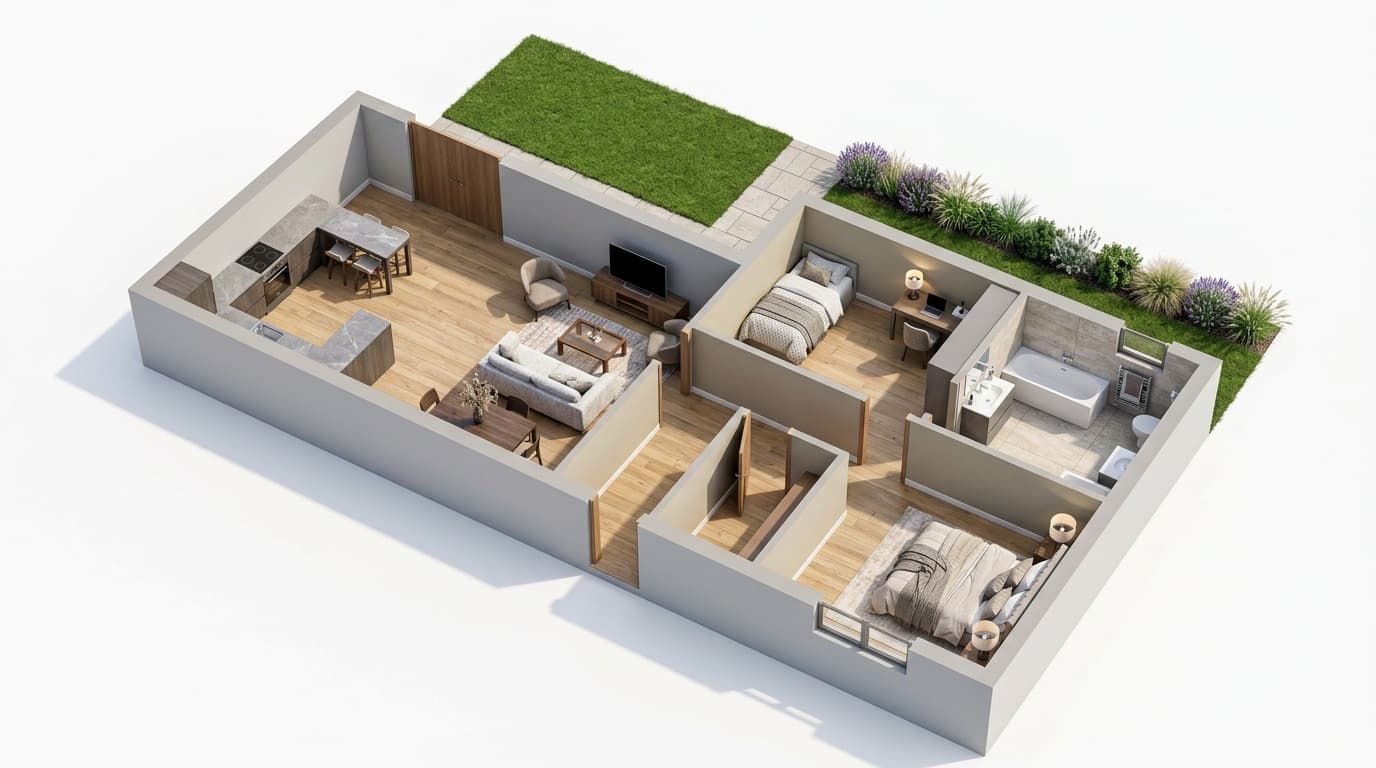
That is my CAD drawing on the left and the render RoomLift made from it on the right. I used to send exactly this to a 3D vendor at €200 a pop and wait three to five days. Now it takes under a minute.

My Portfolio Looks Incredible Now
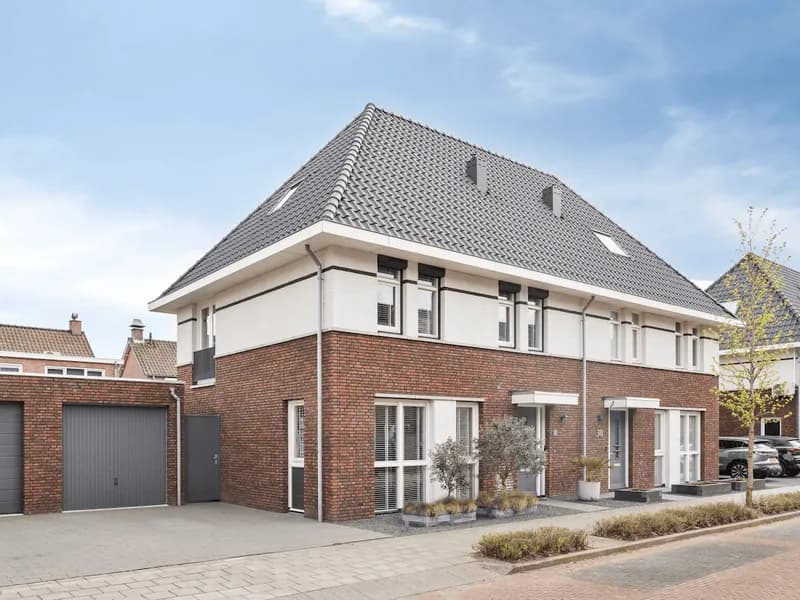
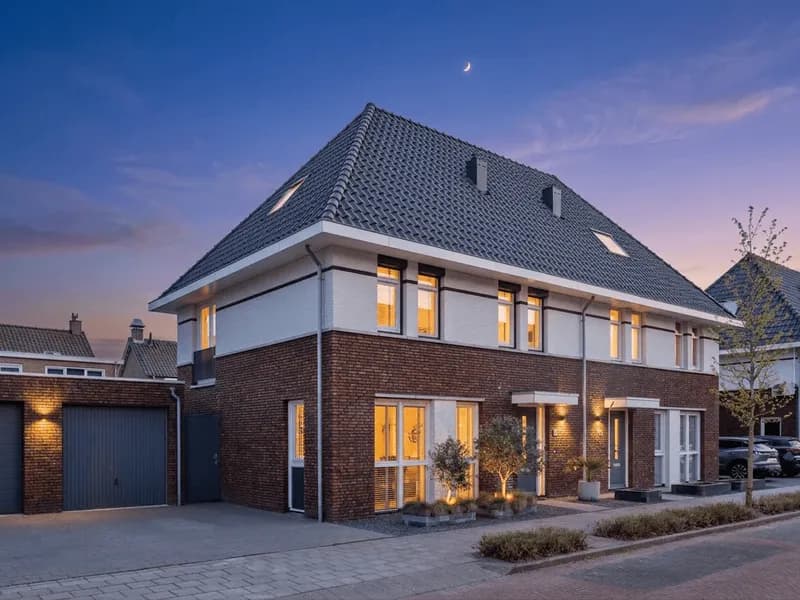
I shot this house at two in the afternoon. The twilight version went to the agent the same evening, and it is the photo that opens my portfolio now.
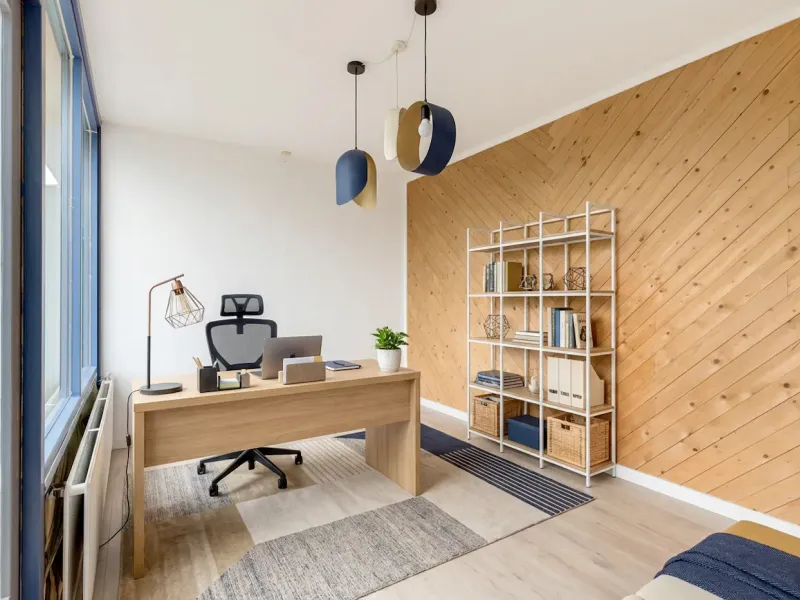

E-Design Has Never Been Easier
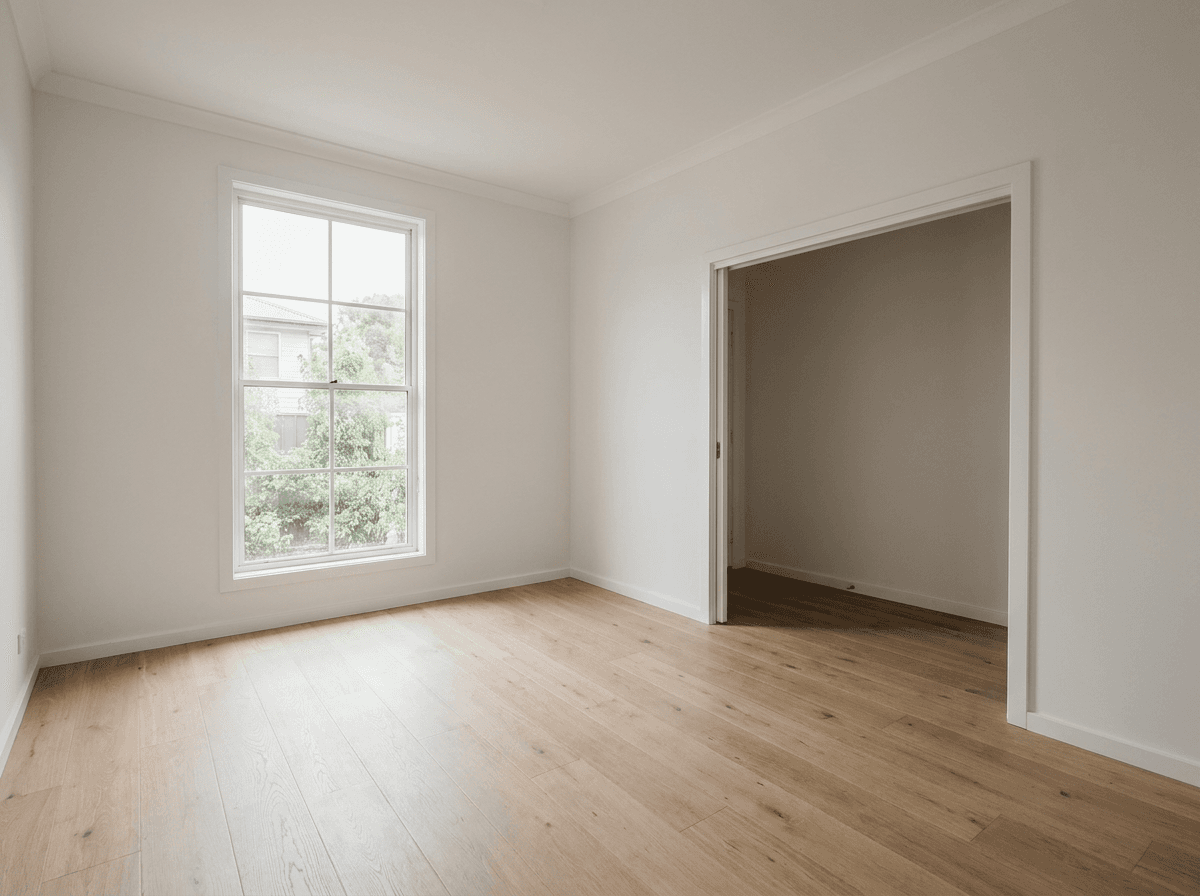
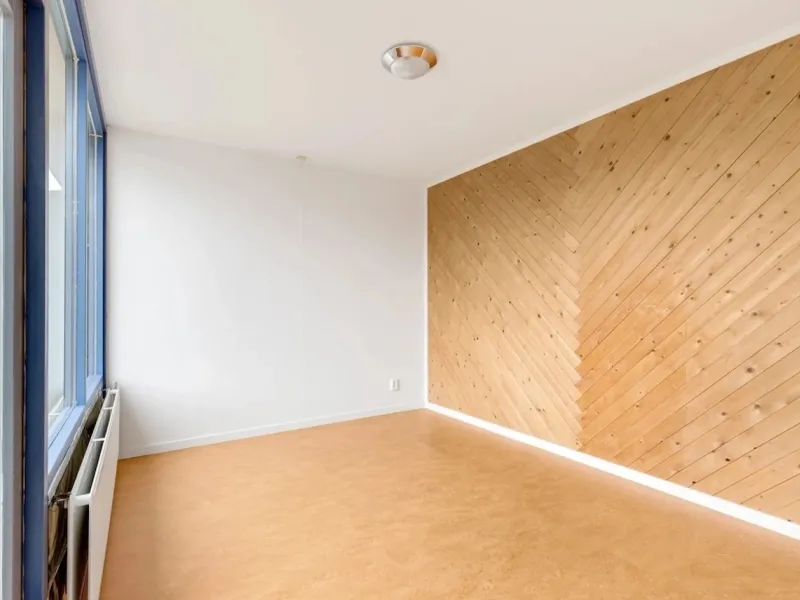
The client sent me photos of this spare room from 300 km away. This is the home office I sent back the next morning. My e-design packages basically sell themselves now.
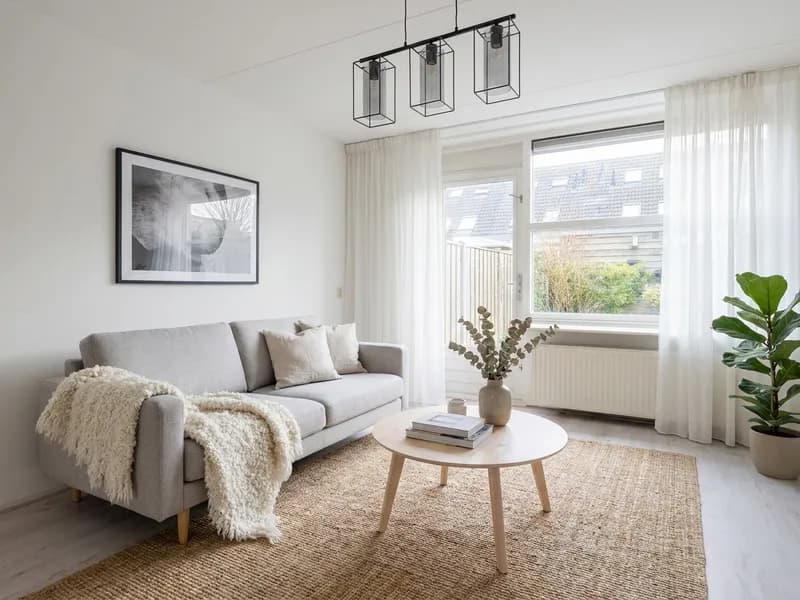
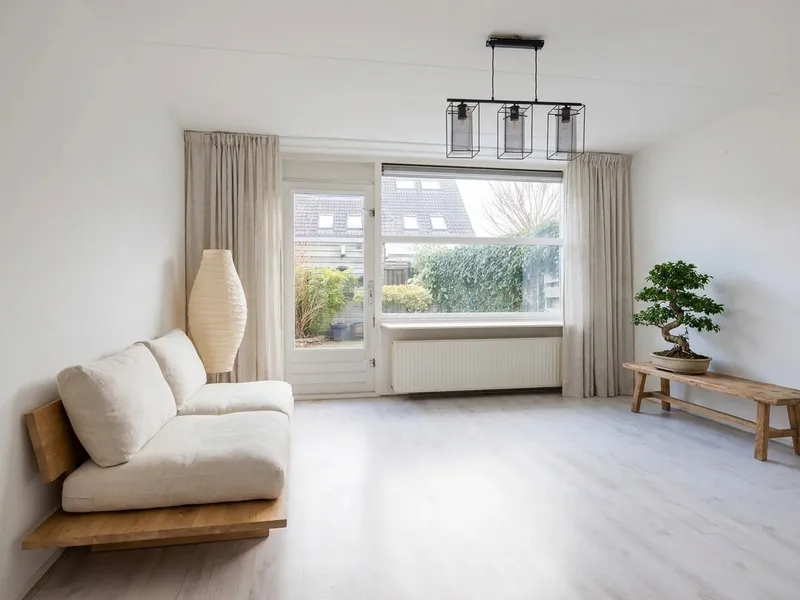
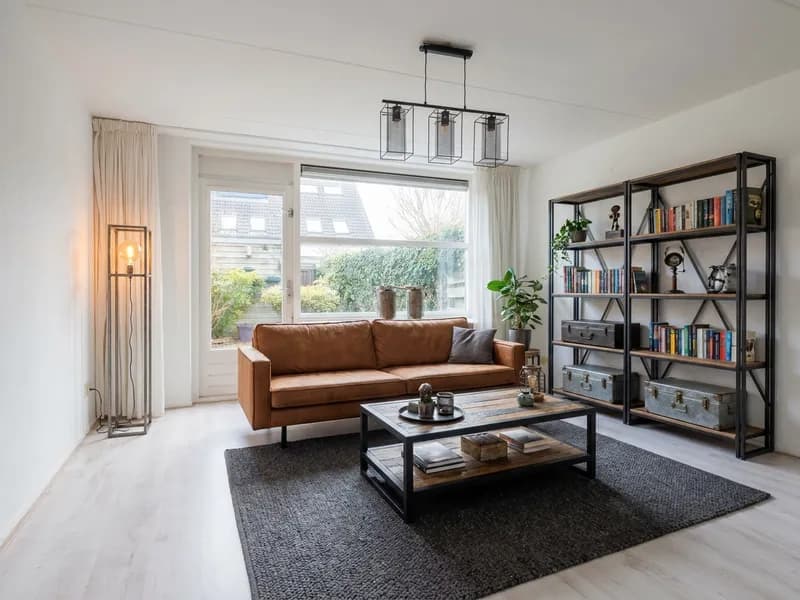
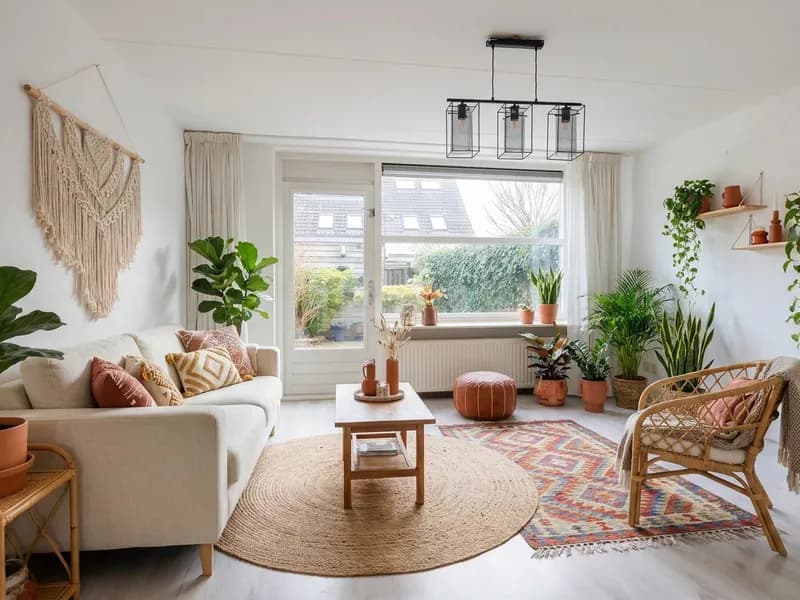

Five Style Options in One Meeting
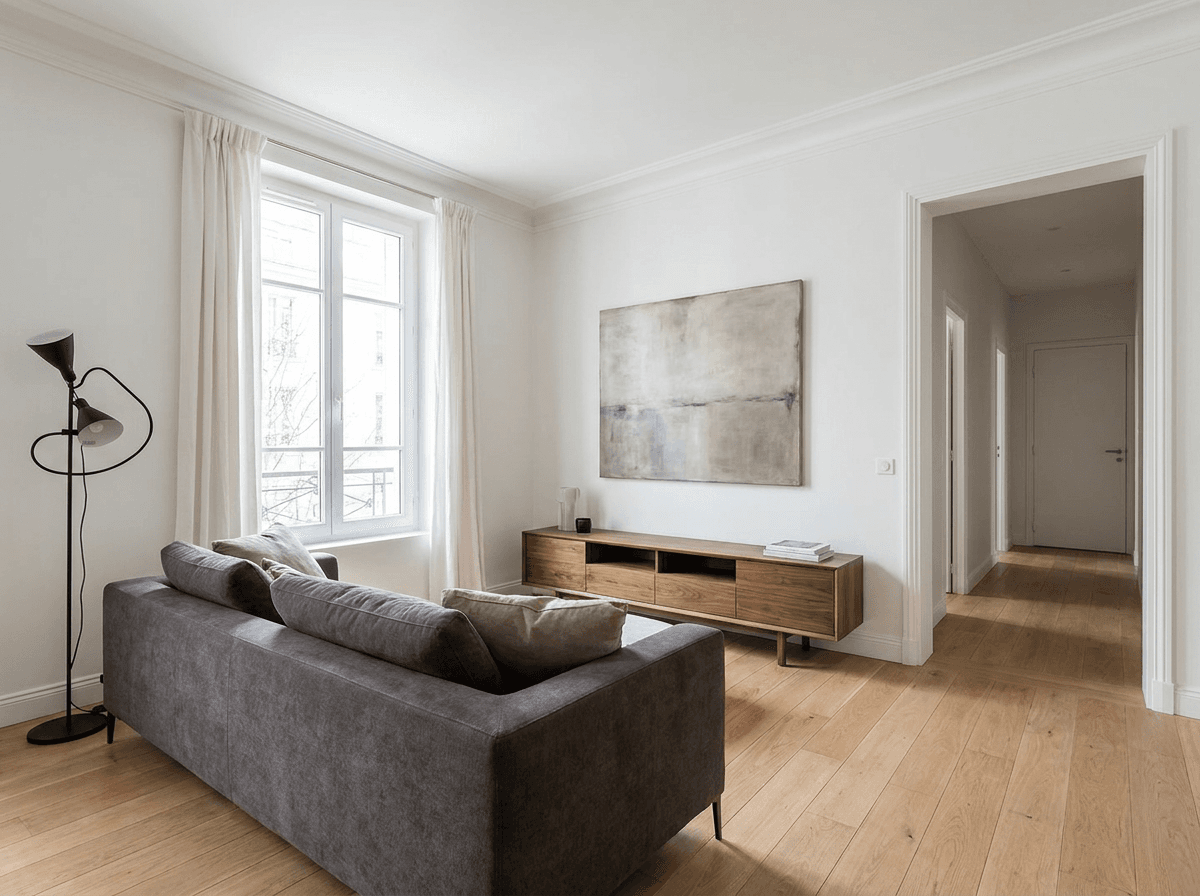
One empty living room, four styles, one meeting. Scandi, Japandi, Industrial and Boho on the same wall, and the client picked in ten minutes. Before RoomLift that was a week of prep.
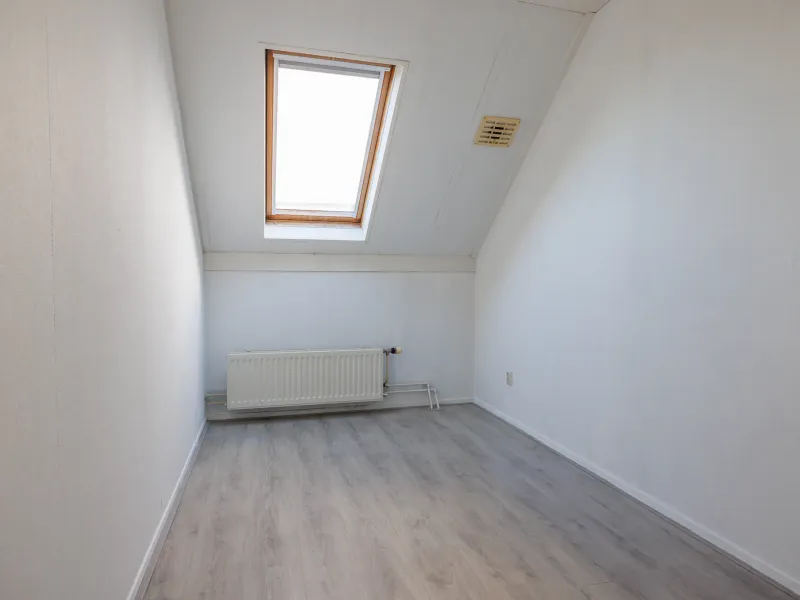
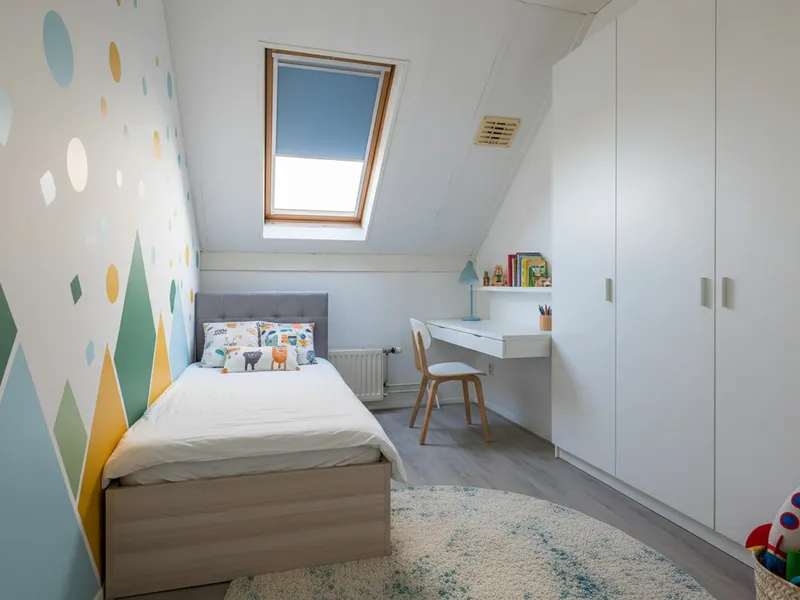

Doubled My Showings
The attic was the room nobody could picture. Staged as a kid's bedroom it was the first thing buyers asked about at the open house, and I had twice the showings of my previous listing.
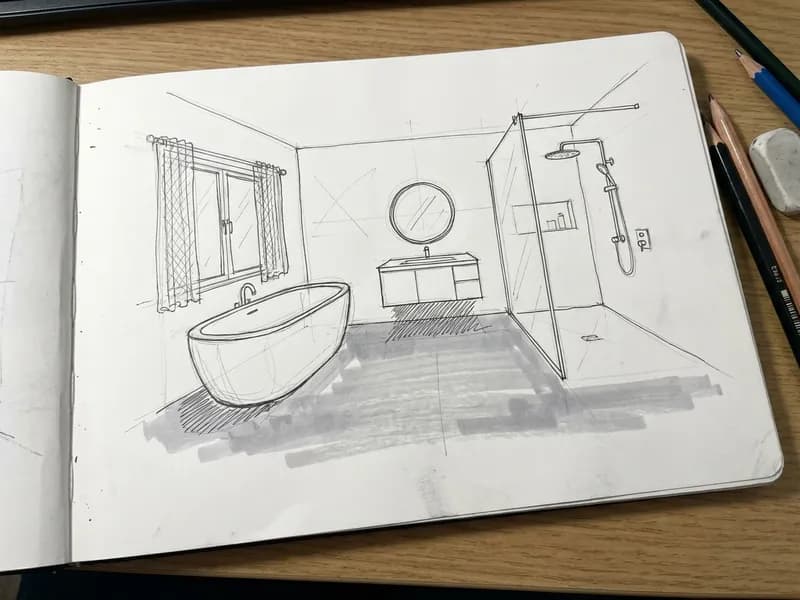
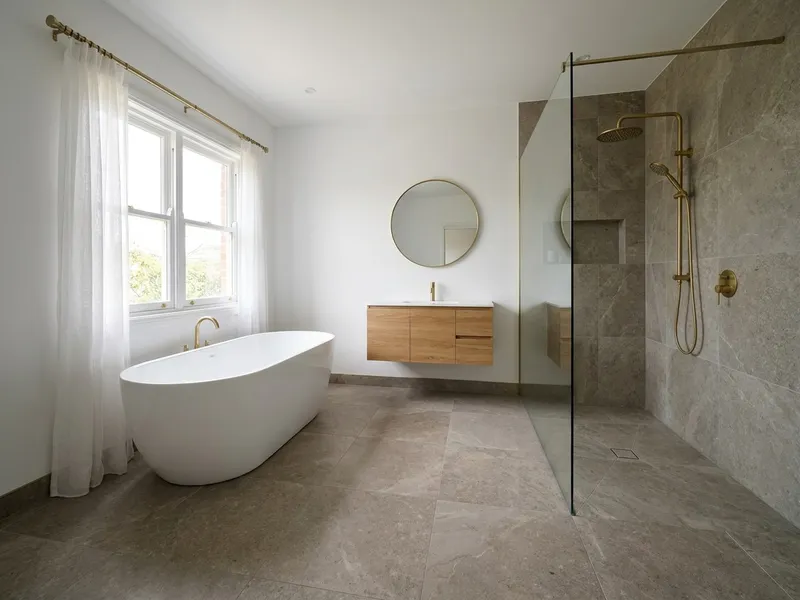

Clients Finally Get the Vision
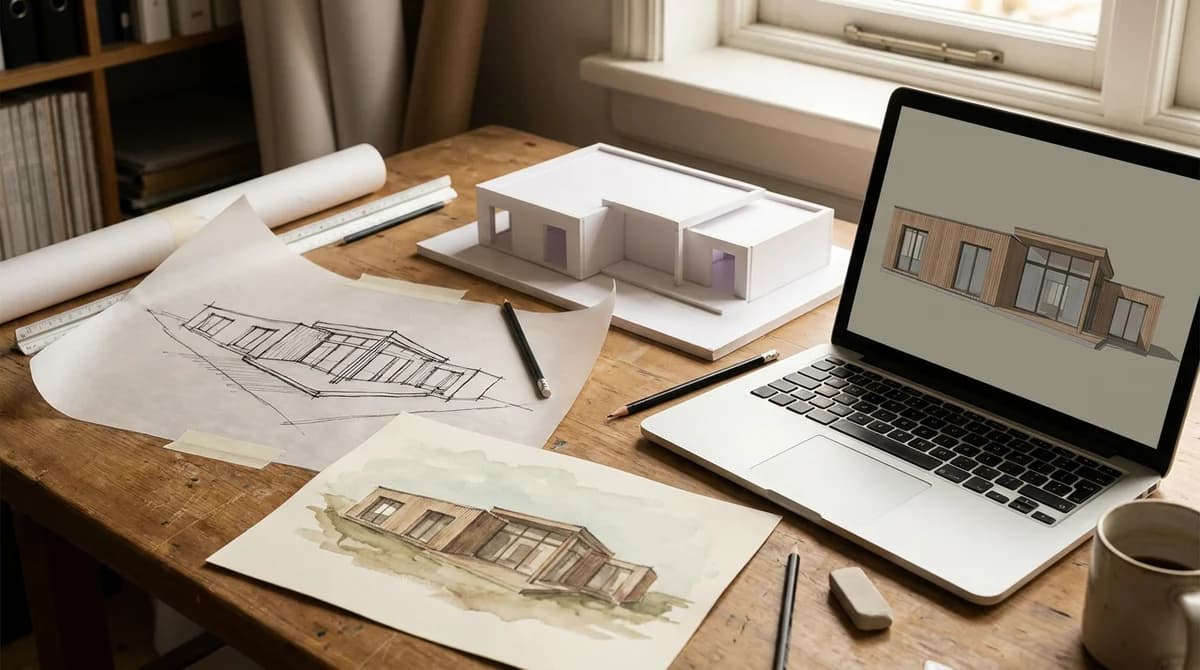
That sketch is how I have always explained a bathroom to a client. Now I show the render next to it and the 'I can't really imagine it' conversation just doesn't happen anymore.
Frequently Asked Questions
Everything you need to know about RoomLift, for designers, agents, and anyone transforming spaces with AI.
- How does RoomLift work?
- Upload a photo of any room or property, pick a design style, and get a photorealistic render in under 60 seconds. You can then refine it in the Editor, turn it into a video, or explore it in 3D.
- Who is RoomLift for?
- RoomLift is built for two main audiences: real estate professionals who need to stage listings fast and affordably, and interior designers who want to visualize concepts, present to clients, and deliver professional renders without expensive 3D software.
- Is there a free option?
- Yes. Every new account gets 5 free renders so you can try the full platform before committing. No credit card required.
- Can I use RoomLift for exterior and landscape design?
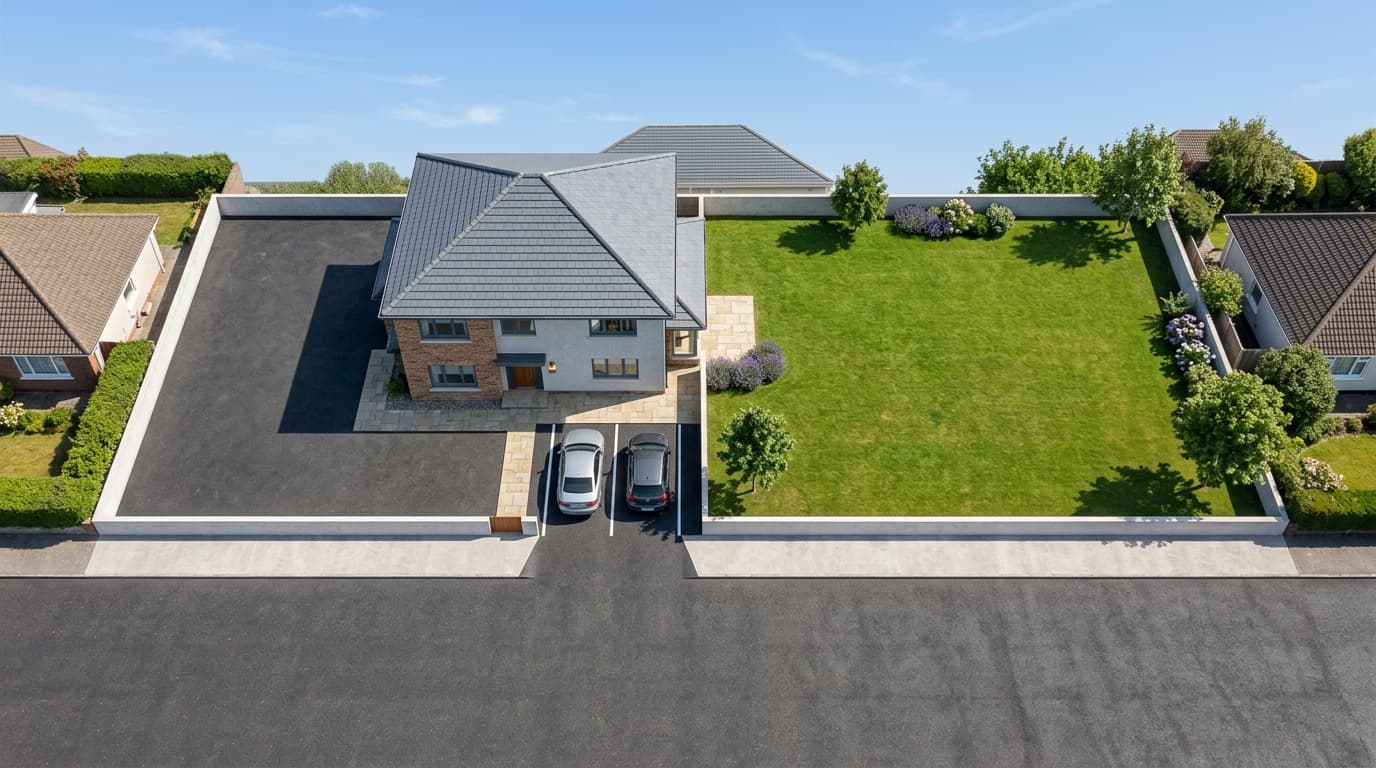
- Absolutely. RoomLift supports both interior and exterior transformations, facades, gardens, patios, and more. The same upload-and-transform workflow applies.
- How is this different from traditional 3D rendering?
- Traditional 3D renders cost $200-500 per room and take days. RoomLift delivers photorealistic results in 60 seconds for as little as $0.19 per render. You trade some manual control for massive speed and cost savings.
- Can I create videos with RoomLift?
- Yes. Video Maker turns your listing photos into a tour video: paste a listing URL to import photos automatically, and the AI builds clips with cinematic camera motion, close-up shots, voiceover, captions, and music. Fine-tune everything on a timeline, then export vertical for Reels and TikTok or landscape for MLS and YouTube.
- Will my listing videos look AI-generated?
- No. Videos are built from your actual listing photos, so every clip stays true to the property. Camera moves are planned per image for natural, cinematic motion, and voiceovers use professional, natural-sounding AI voices. You review and adjust every clip on the timeline before exporting.
- How much does a listing video cost?
- Video clips cost 10-18 credits each depending on length, and a complete tour video typically uses 60-120 credits. The Listing Package ($79 one-time) covers a full listing: virtually staged photos plus a 1080p tour video. A videographer for the same listing typically charges $300-500.
- What are 3D Worlds?
- 3D Worlds lets you generate immersive 3D environments from your designs. You can walk through the space using interactive camera controls, great for client presentations and property showcases.
- Who owns my photos and videos?
- You do. You get full commercial rights and ownership over every image and video you create with RoomLift.
- Can I use RoomLift photos on real estate platforms?
- Yes. RoomLift images are optimized for MLS, Funda, Zillow, and social media. Many agents use them to boost listing engagement.
- How much does it cost?
- Subscriptions start at $19/month for 100 renders (about $0.19 each). Prefer a one-time option? A 50-credit bundle is $39 with no subscription, and bundle credits unlock Pro and 4K quality.
- What if I'm not happy with my results?
- We offer a money-back guarantee. If the results don't meet your expectations, reach out and we'll make it right.
- Do you support teams and agencies?
- Yes. Our Pro+ plan is designed for high-volume users and agencies. Team collaboration features are on our roadmap.