
How to Take On More Interior Design Clients Without More Hours
Jul 20, 2026 · 10 min read
Want to scale your interior design business without working nights? The bottleneck usually isn't sales, it's render and revision time. Here's how to fix it.

If you want to take on more interior design clients without working more hours, the move is not to chase more leads or hustle harder, it is to find and remove your throughput bottleneck. For most solo and small-studio designers, that bottleneck is not sales or admin. It is the hours sunk into producing concept visuals and grinding through revision rounds. Compress that stage and you free 5 to 10 hours per project, which is usually enough to add one or two clients to your roster without touching your evenings.
This guide breaks down why production caps your revenue, where your hours actually go, how AI visualization collapses the slowest part of the work, and how to price so that working faster earns more instead of just billing less.
Why Your Ceiling Is Production, Not Demand
Most designers assume that to grow, they need more inquiries. But ask any booked-out designer where the constraint is and the honest answer is rarely "not enough clients." It is "not enough hours to serve the clients I already have."
Your revenue is a simple equation: active projects multiplied by average project fee. A solo designer can usually run only 3 to 6 active projects at once, because each one demands concept development, sourcing, and several rounds of revisions. Once the calendar is full, you have exactly two levers left, charge more per project, or finish each project faster so you can start the next one sooner.
That second lever is the one almost nobody optimizes. We treat render and revision time as a fixed cost of doing business. It is not. It is the single most compressible part of the workflow, and it is exactly where the bottleneck lives.

Where the Hours Actually Go
Before you can compress the workflow, you have to see it clearly. Here is roughly how a typical residential project breaks down for a solo designer:
| Stage | Share of project hours | Compressible? |
|---|---|---|
| Discovery and client meetings | 10-15% | Low, relationship work |
| Concept development and visualization | 25-35% | High |
| Sourcing and procurement | 20-25% | Medium |
| Revisions and re-renders | 20-30% | High |
| Project management and admin | 10-15% | Medium |
Add up the two highlighted rows. Concept visualization plus revisions routinely eat 45 to 60 percent of a project's hours, and they are the two most compressible stages. Discovery is relationship work you should never rush. Sourcing has hard limits. But the cycle of "create a visual, present it, get feedback, redo it" is where designers quietly lose their week.
The revision loop is especially brutal because it is sequential. You build a concept, wait for the client, react, and build again. Each round can take days. If a single visual concept takes hours to produce, every "can we try it in a warmer palette?" costs you another half-day. Three rounds and you have spent more time on iterations than on the original design.
Compressing Render Time With AI
This is where the bottleneck breaks. The slowest, most repeated task in your workflow, turning a design direction into a photorealistic image a client can actually react to, is exactly what AI visualization tools now do in under a minute.
Instead of modeling a room or commissioning a render, you upload a photo of the actual space, choose a style and palette, and generate a photorealistic concept on the spot. The cost difference is not subtle:
| Method | Cost per image | Turnaround |
|---|---|---|
| Outsourced photorealistic render | $25-100+ | Hours to days |
| In-house 3D modeling | Your billable hours | Hours per room |
| AI room visualization | $1-5 | Under 60 seconds |
The real win is not the per-image price, it is what it does to the revision loop. When a new concept takes 60 seconds instead of half a day, "let's see it in sage instead of navy" stops being a scheduling problem. You can generate three palette options live in a client meeting and let them choose, collapsing what used to be a multi-day back-and-forth into a single conversation. For a step-by-step look at fitting this into a real project, see our guide on how to use AI for interior design.
Drag the slider below to see what a single uploaded room photo becomes, the kind of concept you can put in front of a client in under a minute:
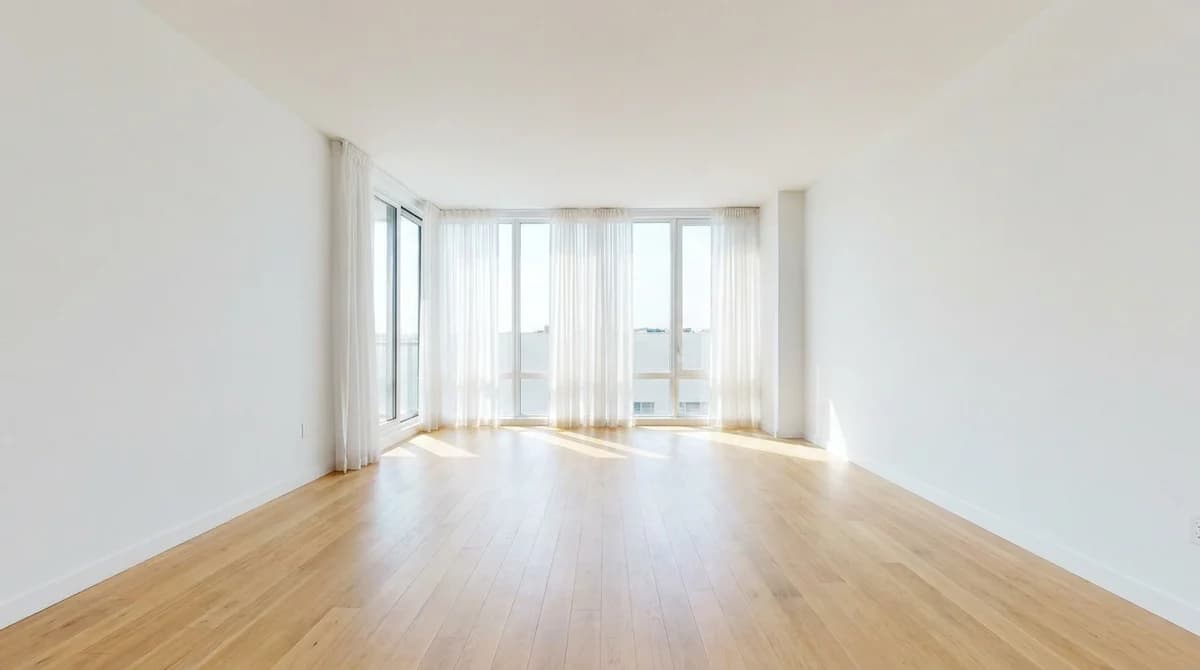

Crucially, this does not make your work generic. You still set the style, the palette, the layout, and the materials, the AI is a faster rendering engine, not a replacement designer. The output reflects the direction you give it, and you refine until it matches your vision. The skill stays with you; the slow part goes away.
The Capacity Math: What Faster Actually Buys You
Say concept and revision work currently takes 14 hours across a project, and AI tooling cuts that to 6. You have just reclaimed 8 hours. Run that across a roster of five active projects and you free roughly 40 hours, a full extra project's worth of time, without adding a single evening to your week.
That is the throughput lever in plain numbers. You are not working more; you are removing the dead time between "client asks" and "client sees." Multiply small per-project savings across a full roster and the ceiling on how many clients you can serve simply moves up.
There is a quality dividend too. When iterating is cheap, you explore more options before committing, which means stronger concepts and fewer surprises late in a project. Faster does not have to mean sloppier, here it means more room to get it right.
Price for Capacity, Not Hours
Here is the trap: if you bill hourly and you get faster, you earn less. Cutting a 12-hour concept package to 4 hours just shrinks your invoice. The productivity gain leaks straight out the door.
The fix is to price for the outcome, not the clock. Flat-fee and per-room packages let you keep the full value of work that now takes a third of the time, and they redirect every reclaimed hour to the next client instead of the same invoice.
| Pricing model | What happens when you work faster | Best for scaling? |
|---|---|---|
| Hourly | Invoice shrinks; speed punishes you | No |
| Flat project fee | Full value kept; hours freed for next client | Yes |
| Per-room / per-package | Scales cleanly with capacity | Yes |
| Tiered (concept / full-service) | Lets fast concept work fund premium tiers | Yes |
If you are rethinking your numbers, our breakdown of how much interior designers charge covers the common models and what the market actually pays. The principle is simple: once your delivery is faster, your pricing should capture that as margin and capacity, not pass it back to the client as a discount.
A flat-fee concept package is also the easiest new client to add. It is bounded, fast to deliver with AI visualization, and a natural front door to full-service work. Many designers building remote or e-design practices structure exactly this way, a lightweight, high-volume concept tier on top of a smaller number of full projects. If that model interests you, see how online interior design services package the visualization-first workflow.
A Practical Sequence to Add Clients
Putting it together, here is the order of operations:
- Audit where your hours go. Track one project honestly and find your real bottleneck. For most designers it is concept plus revisions.
- Move concept work to AI visualization. Generate photorealistic options from the client's actual room photos in minutes, not days.
- Collapse the revision loop. Iterate live with clients instead of over days. Cheap iterations mean faster sign-off.
- Re-price to flat fees or packages. Capture the time you save as margin and capacity, not a smaller invoice.
- Add a lightweight concept tier. Use your new speed to serve more clients at the top of the funnel and upsell into full projects.
Do those in order and the result is not a busier week, it is a higher ceiling. You serve more clients because each one costs you fewer hours, and you earn more because your pricing keeps the value of that speed.
Frequently Asked Questions
How do I take on more interior design clients without working more hours?
Find your throughput bottleneck and remove it. For most designers the limit is not sales or admin, it is the hours spent producing visuals and reworking concepts. Compressing render and revision time with AI tools that turn a room photo into a photorealistic concept in under 60 seconds can free 5 to 10 hours per project, enough to add one or two clients without adding evenings.
What is the real bottleneck that caps an interior designer's revenue?
Production capacity, not lead flow. A solo designer can usually run only 3 to 6 active projects at once because each demands concept visuals, sourcing, and multiple revision rounds. Revenue is capped at projects times average fee, so once your calendar is full you either raise prices or produce faster. Speeding up the visual stage attacks the cap directly.
How long does interior design visualization usually take?
Traditional photorealistic renders take from a few hours to several days per room and cost roughly $25 to $100+ per image when outsourced. AI design tools generate a photorealistic concept from a room photo in under 60 seconds for about $1 to $5 per image, collapsing the slowest part of the workflow from days to minutes.
How many clients can one interior designer realistically handle?
Most solo designers comfortably manage 3 to 6 active projects at a time, depending on scope and how much work is delegated or automated. The number is set by production hours per project, not by demand. Cutting the time each project takes, especially concept and revision rounds, is what raises that ceiling without burnout.
Will using AI for renders make my design work look generic?
Not if you stay in control of the creative direction. AI handles the slow mechanical part, turning your chosen style, palette, and layout into a photorealistic image, while you make every design decision. It is a faster rendering engine, not a replacement designer. The output reflects the direction you give it, and you refine until it matches your vision.
How should I price to add capacity instead of just more hours?
Shift from hourly billing toward flat-fee or per-room packages so that working faster increases your effective rate instead of cutting your invoice. If AI tooling lets you deliver a concept package in 4 hours instead of 12, a flat fee preserves the full value while freeing 8 hours for the next client. Pricing for outcomes rather than time turns a productivity gain into real capacity.
Ready to transform your listings?
Stage your first room in 20 seconds. No design skills needed.