Real Estate Video Editing: Tools, Costs & Outsourcing (2026)
Aug 2, 2026 · 11 min read
Real estate video editing costs $50-500 outsourced or a few hours in-house. Compare software, rates, turnaround times, and when AI can skip editing entirely.
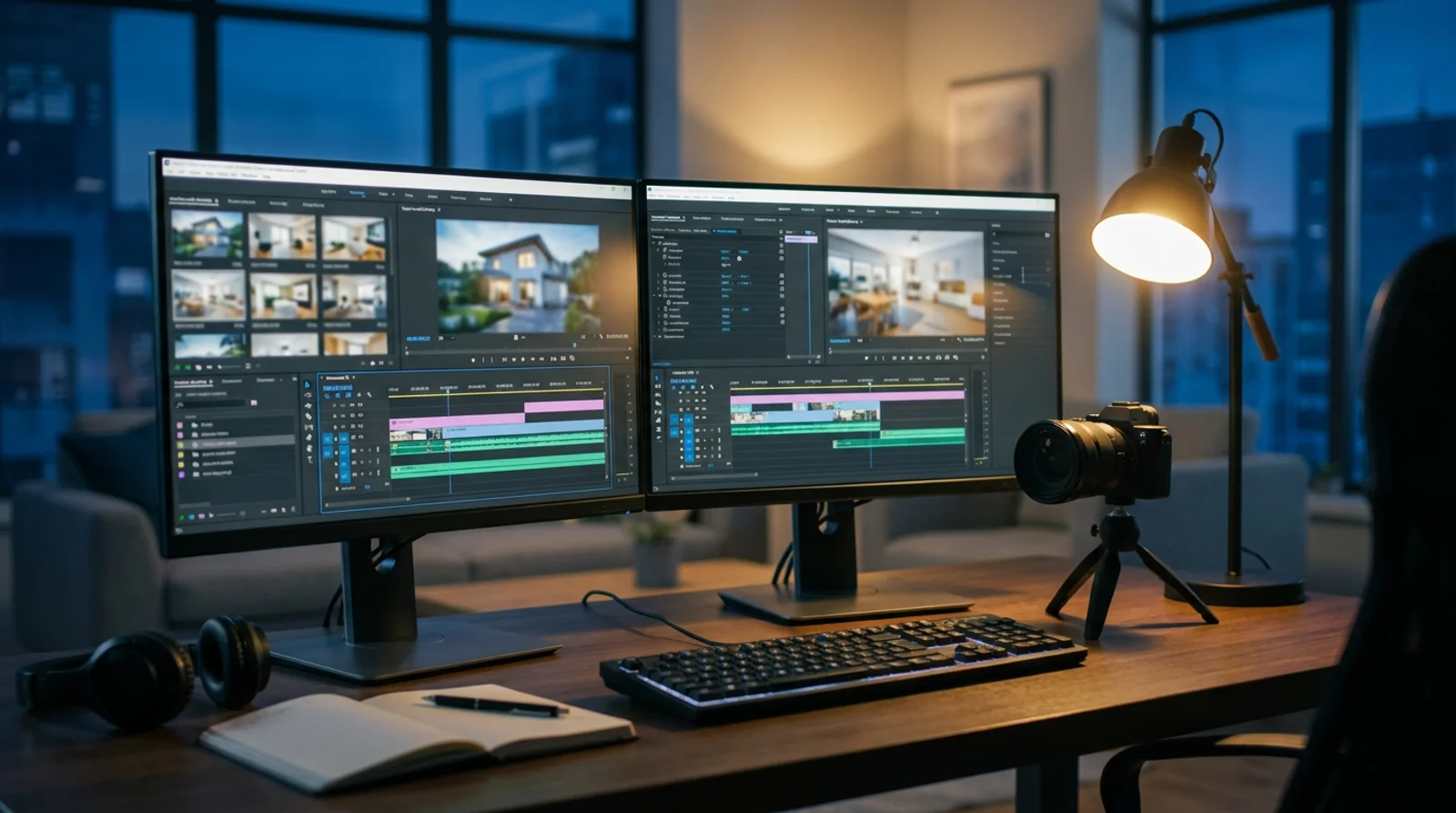
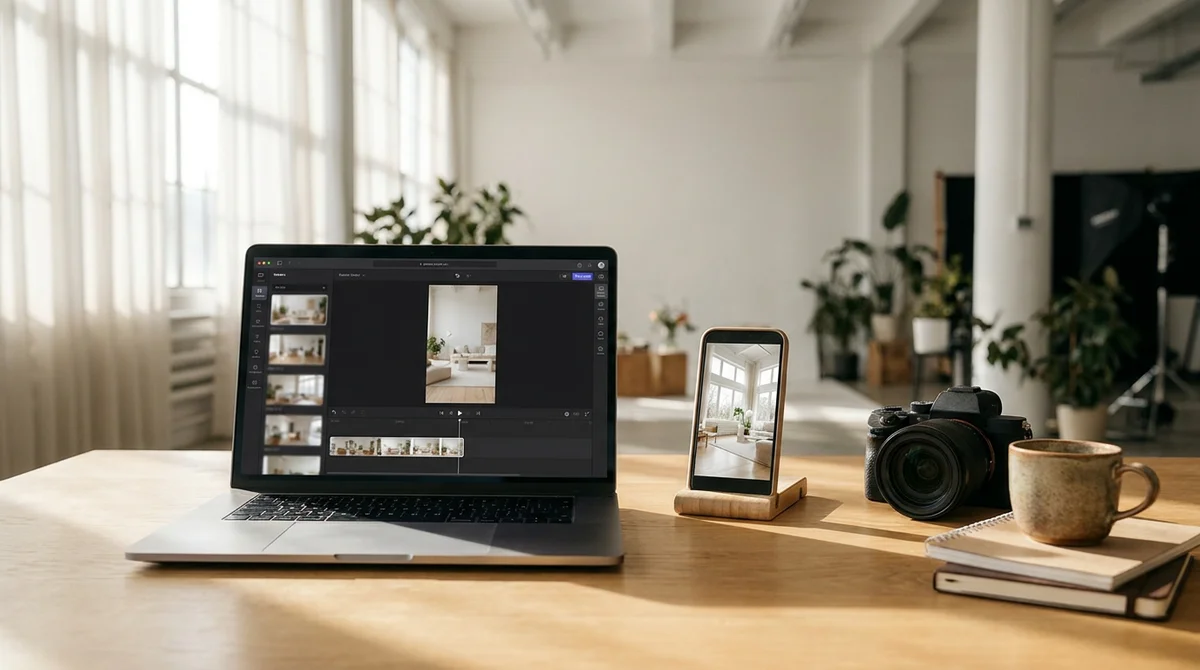
Real estate video editing costs $50 to $500 per video if you outsource it, or a few hours of your own time if you edit in-house, and in 2026 a third option can skip editing altogether: AI tools that generate a finished property video straight from listing photos. Which path makes sense depends on your volume, your software comfort level, and whether you'd rather keep that per-video margin than hand it to a freelancer or agency. Here's how the software, the rates, and the turnaround times actually compare, and where AI generation now replaces the edit entirely.
What Real Estate Video Editing Actually Involves
A competent edit runs through the same sequence every time, whether you're cutting drone footage, a phone walkthrough, or a slideshow of stills:
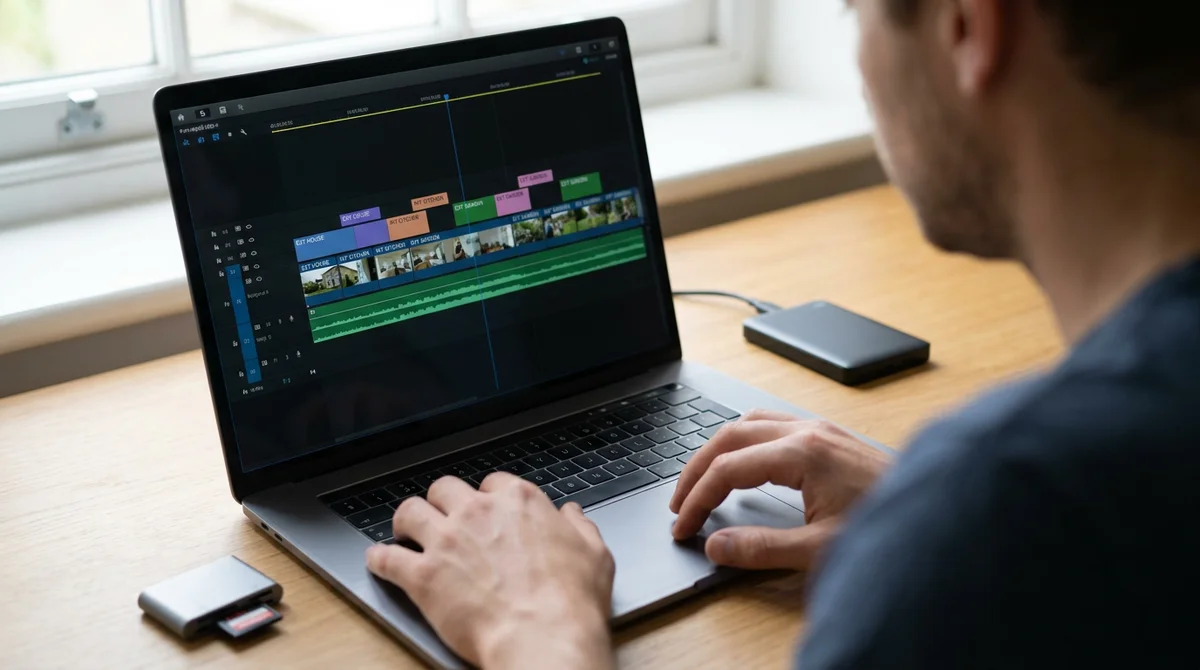
- Cull and organize. Sort raw clips or photos by room, in the order a buyer would walk the property, exterior first, then room to room.
- Rough cut and pacing. Trim each shot to 2-4 seconds for a fast-paced tour, or 5-8 seconds for a slower luxury feel. Cut on movement, not on a hard stop.
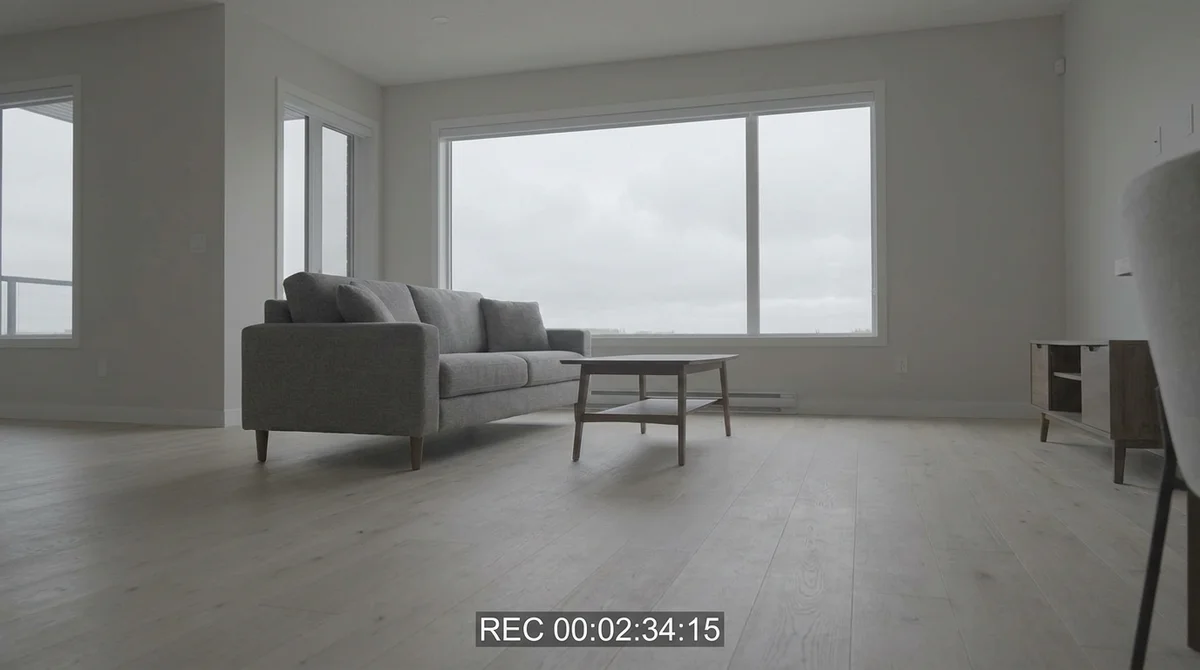
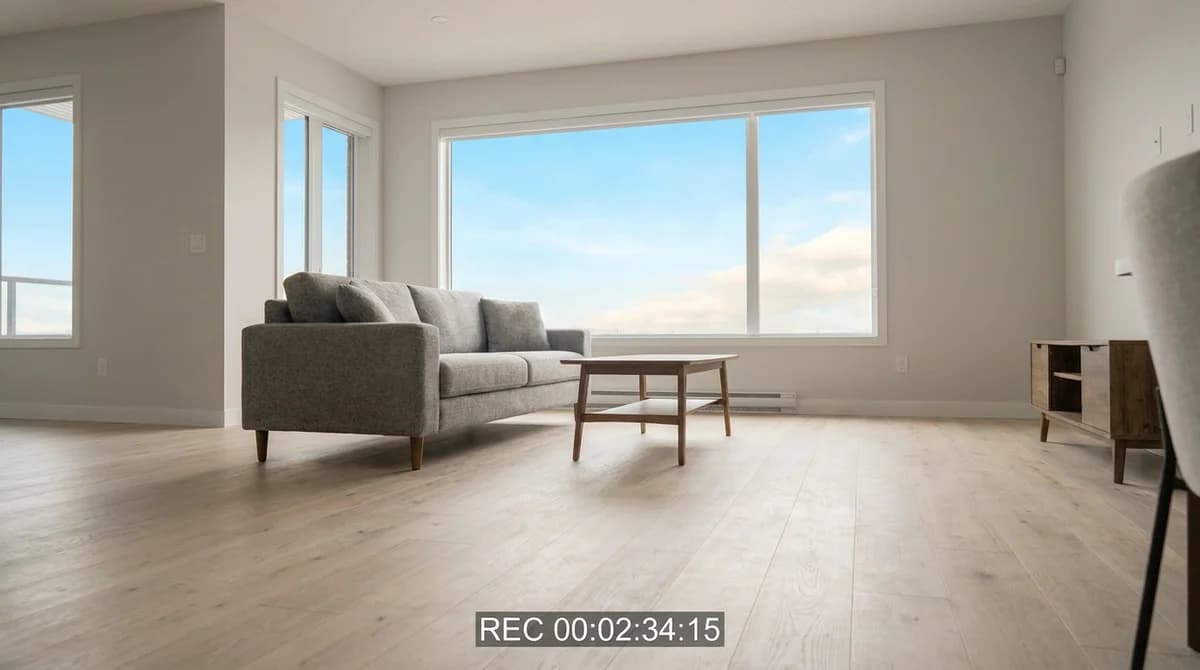
- Color match across clips. Interior shots taken at different times of day rarely match straight out of the camera. Grading brings every room to the same warm, consistent look.
- Music and pacing. A music bed sets the tone, upbeat for a starter home, calm and cinematic for luxury, and should duck under any voiceover.
- Text and branding. Address, price, and agent contact details as lower-thirds, plus a consistent intro/outro if you're building a personal brand.
- Voiceover. Optional but effective for walkthroughs that need narration instead of on-camera talent.
- Export for every platform. At minimum, 16:9 for the MLS and YouTube, 9:16 for Reels and TikTok, and 1:1 or 4:5 if it's going into the Instagram feed or paid ads.
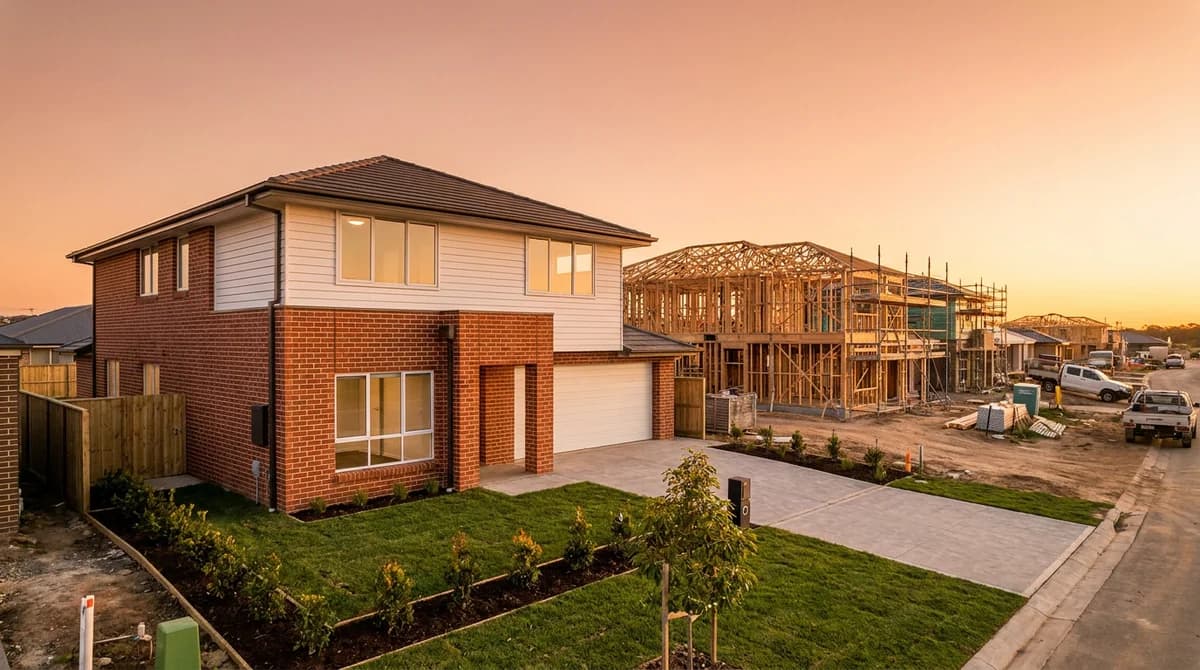
The color-matching step alone is where a lot of raw footage falls apart. Here's the same frame before and after a grade:
Multiply those seven steps by 40-100 clips for a typical listing, and it's obvious why editing, not shooting, is what eats a photographer's week.
Real Estate Video Editing Software Compared
The right tool depends less on features and more on how much of that seven-step workflow you actually want to do by hand. Here's how the main options stack up for real estate work specifically.
| Software | Price | Learning curve | Best for | Real estate fit |
|---|---|---|---|---|
| Adobe Premiere Pro | ~$23/mo (Creative Cloud) | Steep | Full creative control, multi-cam, teams with a dedicated editor | Deep but generic; no listing-specific presets out of the box |
| Final Cut Pro | $299 one-time (Mac only) | Moderate | Solo editors who want to avoid a subscription | Fast rendering for 4K walkthroughs; Mac-only limits team use |
| DaVinci Resolve | Free / $295 one-time (Studio) | Steep, especially color | Photographers who already color-grade twilight or HDR stills | Best free color tools; the grading skills transfer directly from photo editing |
| CapCut | Free / ~$10/mo Pro | Very easy | Fast social cuts on phone or desktop | Auto-captions and trending templates, but no listing-tour workflow |
| AI property-video tools (e.g., RoomLift Compose) | Credit or subscription based | Minimal | Turning listing photos into a finished tour with no manual cutting | Built specifically for listings: MLS/social aspect ratios, AI voiceover and music, camera motion generated from stills |
For photographers who already do photo editing in-house, DaVinci Resolve is usually the natural next step, since the color-grading skills carry over almost directly. If you haven't made that shift yet, our guide to keeping real estate photo editing in-house covers the same math for stills.
Outsourcing Rates vs. In-House Time Cost
Outsourcing a listing video feels manageable at the invoice level. It's the volume math that changes the calculation.
| Approach | Typical cost per video | What you're paying for |
|---|---|---|
| Freelance editor (Upwork/Fiverr) | $50-150 | Basic cut, music, text overlays, 1-2 revisions |
| Real estate video editing service | $75-250, or $99-299/mo unlimited | Templated real estate cuts, faster queue than a generalist freelancer |
| Videographer + edit bundled | $300-500+ | On-site shoot plus a full manual edit |
| In-house editing (your time) | Cost of software + 1-4 hours labor | Full control, no revision requests, same-day delivery |
| AI-generated video (photos in, video out) | Minutes of your time + tool cost | No manual editing step at all |
Run the math on volume and the gap becomes the point. An agent or photographer producing 8 listing videos a month at $150 each spends $1,200 a month, or roughly $14,400 a year, on outsourced editing. The same volume edited in-house at 2 hours per video and a $30/hour blended time cost runs closer to $5,760 a year in labor, before even counting an AI-generation workflow that could cut that further. The difference is margin you're currently renting out to someone else's queue.
Turn listing photos into a finished property video without a single manual edit. Try RoomLift Compose on your next listing.
Stage your first room in 20 seconds. No design skills needed.
Turnaround Time: What to Expect
Cost isn't the only variable that matters. For a time-sensitive listing, speed to publish can matter as much as the price tag.
| Method | Typical turnaround | Rush option |
|---|---|---|
| Freelance editor | 2-5 business days | Often +$20-50 for 24-48 hour delivery |
| Video editing agency/service | 3-7 business days | Rush tiers vary, usually +25-50% of the base price |
| In-house manual edit | Same day to 2 days | Limited only by your own schedule |
| AI-generated video | Minutes | Not applicable, it's already near-instant |
The pattern holds across every category we've covered on this blog: outsourcing trades speed and margin for convenience, in-house trades a bit of your time for both of those back, and AI generation removes the tradeoff by collapsing the timeline to minutes.
When AI Video Generation Replaces Editing Entirely
For a specific, common case, the single-property listing tour built from photos rather than raw footage, editing software is no longer the fastest or cheapest path. This is where AI video generation tools have moved from novelty to genuinely replacing the edit.
RoomLift's Compose is built for exactly this scenario. It's a browser-based property-video creator that turns listing photos into a polished video tour using a timeline editor and presets built for real estate, including a dedicated property-tour format and a before/after preset. You can pull photos and details straight from a listing URL instead of uploading them one by one, and export in the aspect ratios each platform actually needs, 16:9 for MLS and YouTube, 9:16 for Reels and TikTok, and 1:1 or 4:5 for the Instagram feed. Instead of cutting between static photos, its AI camera motion animates each still into a smooth video shot, and can even generate close-up detail shots (like a kitchen faucet or a fireplace) from a single photo. AI voiceover and AI-generated background music matched to the property fill in the two steps, narration and a music bed, that otherwise take the longest to do well by hand.
The result is a finished property video in minutes instead of days, at a fraction of the cost of booking a $300-500 videographer shoot. That doesn't replace every use of video editing software. A cinematic drone reveal, an agent doing an on-camera walkthrough, or a luxury listing that calls for a bespoke, hand-cut style still benefits from Premiere, Final Cut, or DaVinci Resolve and a human editor's judgment. But for the bread-and-butter listing tour that most agents need weekly, AI generation is now genuinely faster and cheaper than editing, not just an alternative to it.
Choosing In-House, Outsourced, or AI-Generated
A simple way to decide: match the approach to what the listing actually needs.
- High volume, standard listings: in-house editing or an AI generation tool. This is where outsourcing costs compound fastest, and where the margin gap is largest.
- Low volume, occasional listing: outsourcing can make sense if you don't edit often enough to justify learning software.
- Time-sensitive listing: in-house or AI generation. Outsourced turnaround of 2-7 business days rarely beats a same-week close.
- Cinematic or luxury production: keep manual editing, and consider outsourcing only the most complex shots (drone composites, on-camera talent) rather than the whole video.
- Photos only, no raw video footage shot: AI generation. There's no footage to manually edit, which is exactly the gap tools like Compose were built to fill.
The photographers and agents doing this well aren't choosing one lane forever. They're routing routine, high-volume listing videos to in-house or AI workflows and saving outsourced editors for the rare job that actually needs a specialist's time. It's the same principle that applies to photo editing outsourcing: outsource what's genuinely hard, keep the margin on everything else.
If video is becoming a bigger part of how you market listings, our guide to real estate video marketing covers the distribution side, where to post, how often, and what formats perform, once the video itself is done. And if photo editing is still eating your week too, see our breakdown of the best real estate photo editing software for the still-image side of the same workflow.
The Bottom Line
Real estate video editing sits on the same spectrum as photo editing did five years ago: outsourcing made sense when the software was slow and the learning curve was steep, and both of those constraints have loosened. A freelancer or agency still has a place for complex, one-off productions, but for the standard listing tour, in-house editing or AI generation now wins on cost, speed, or both. Match the method to the listing, and keep the margin that used to leave your business by default.
Ready to see how fast a listing photo set becomes a finished tour? Try RoomLift's real estate photo editing tools alongside Compose to handle both the stills and the video from the same set of photos.
Frequently Asked Questions
How much does real estate video editing cost?
A basic edited listing video runs $50-150 from a freelance editor on a platform like Upwork or Fiverr, $75-250 from a dedicated real estate video editing service, and $300-500+ when it's bundled with a videographer shoot. In-house editing costs the price of software plus your own time, typically 1-4 hours per listing video.
What is the best video editing software for real estate?
DaVinci Resolve is the best value because its free tier includes professional color grading, which matters for matching twilight and interior shots. Premiere Pro suits editors who already work in Adobe's ecosystem and want templates and multi-cam support. CapCut is fastest for quick social cuts. AI property-video tools skip manual editing entirely by generating a finished tour from listing photos.
Should I outsource real estate video editing or do it in-house?
Outsource only if your volume is low or the edit is genuinely complex, since a service charging $75-250 per video adds up fast at scale. If you shoot or list more than a few properties a month, in-house editing with modern software (or an AI generation tool) keeps that per-video margin, which can be $50-250 you're currently paying someone else.
How long does real estate video editing take?
An outsourced freelancer typically returns a video in 2-5 business days, and a video editing agency in 3-7 business days unless you pay a rush fee. Editing in-house in Premiere or DaVinci Resolve usually takes 1-4 hours of active work per listing, so you can deliver same-day. AI-generated property videos take minutes because there's no manual editing step at all.
Can AI replace real estate video editing entirely?
For most single-property listing videos, yes. AI tools can now turn a set of listing photos into a finished, voiced, and scored video tour without a traditional edit, cutting a process that took days down to minutes. Complex shoots, cinematic drone reveals, or on-camera agent walkthroughs still benefit from manual editing, but a standard listing tour often doesn't need one anymore.
What aspect ratio should a real estate video be?
Export in at least two ratios: 16:9 for the MLS listing and YouTube, and 9:16 for Instagram Reels and TikTok. If you post to the Instagram feed or use the video in ads, add 1:1 or 4:5 as well. Editing or generating all four from one source is far faster than reshooting for each platform.
Ready to transform your listings?
Stage your first room in 20 seconds. No design skills needed.