
Free PDF · Real Estate Agents
Launch the listing this week, not after the stager.
The virtual staging guide plus a free launch kit: stage empty rooms, improve your listing photos and publish a better-looking property without arranging a physical photoshoot. Checklists, style choices, copy prompts and a disclosure template you can paste today.
- Free
- No credit card
- 21 pages
- Instant download
Free PDF
Get your copy
We'll email you the guide and a few tips. Unsubscribe any time.
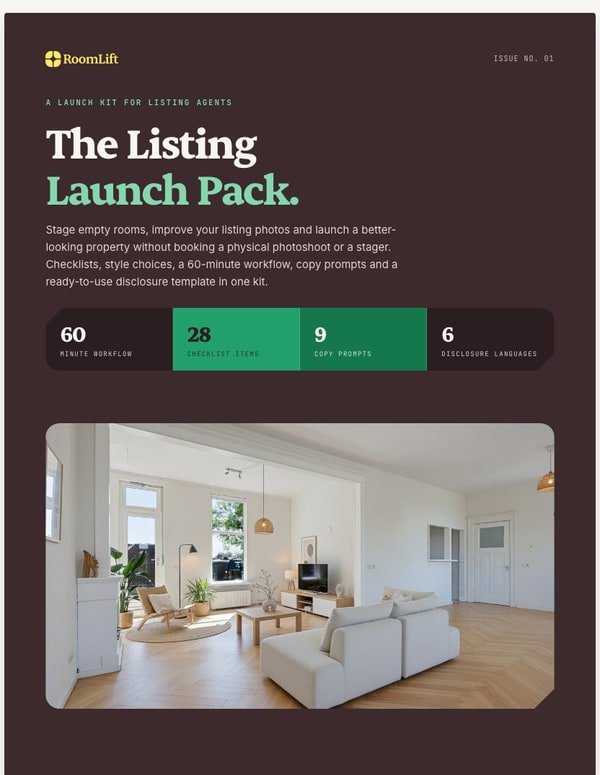
- 21
- Pages
- 28
- Checklist items
- 9
- Copy prompts
- 6
- Disclosure languages
Peek inside
Real pages from the guide.
Page 3
Page 5
Page 7
Page 9
What's inside
What you get.
Understand it
What virtual staging is, when it beats a stager, and where the line is.
- Virtual staging essentials in two pages
- Virtual or physical staging, and when neither works
- Real before and after examples, including what not to publish
Prepare and shoot
Two checklists you can send to the seller and take to the shoot.
- The 14-point listing-photo checklist
- The 14-point room preparation checklist
- The buyer map: eight styles matched to the buyer most likely to offer
Stage and launch
From raw phone photos to a live, properly labelled listing.
- The 60-minute workflow, step by step
- Six listing description prompts for European portals
- Restyle settings and three room recipes
- The disclosure template in six languages
Free sample from part 09
The disclosure template
Copy this prompt
Some photos in this listing are virtually staged. Furniture and decor were added digitally to show how the rooms could be used and are not included in the sale.
- Time
- 2 minutes
- Where
- Listing text and photo captions
Why this works
- Paste it at the end of the listing text. Then add "Virtually staged. Furniture not included." as the caption or a small watermark on every staged photo.
- Upload the original right after each staged photo, captioned "Original photo. The room as it is today." Buyers see both and nobody is surprised at the viewing.
- The pack has the same lines in Dutch, German, French, Spanish and Italian. Rules differ per country and portal, so always check your local requirements.
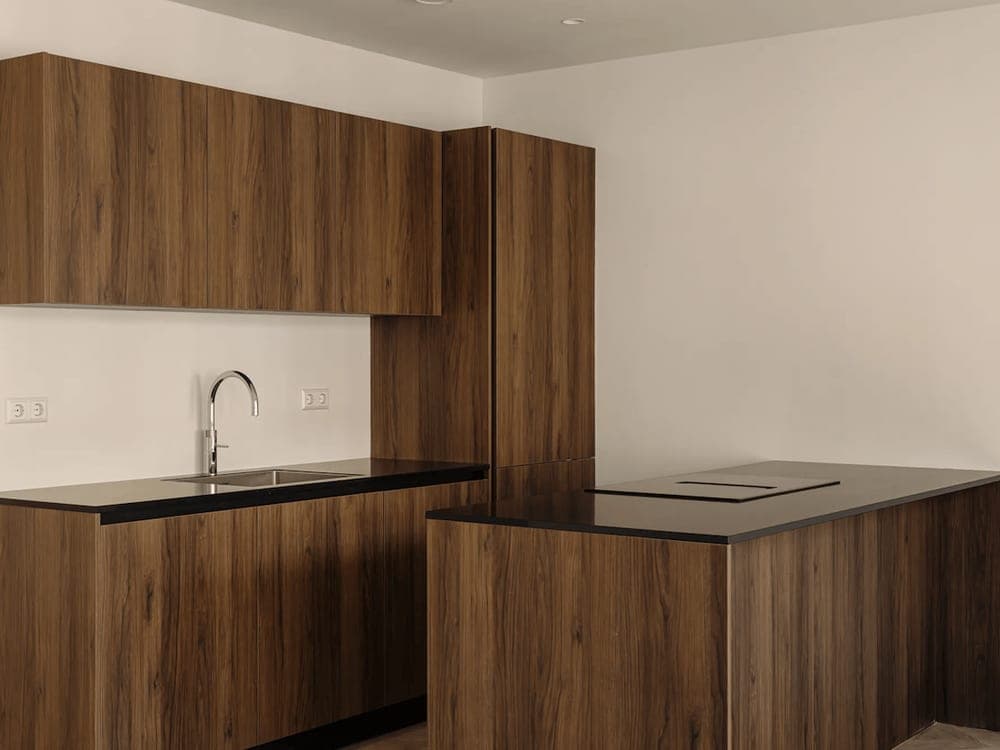
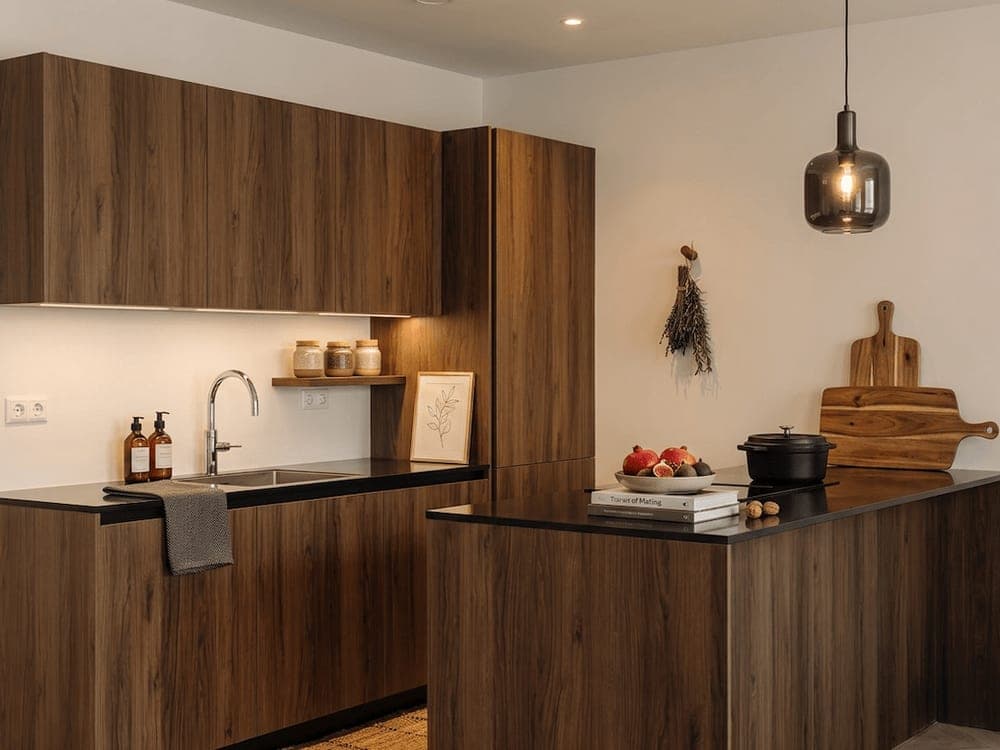
Proof
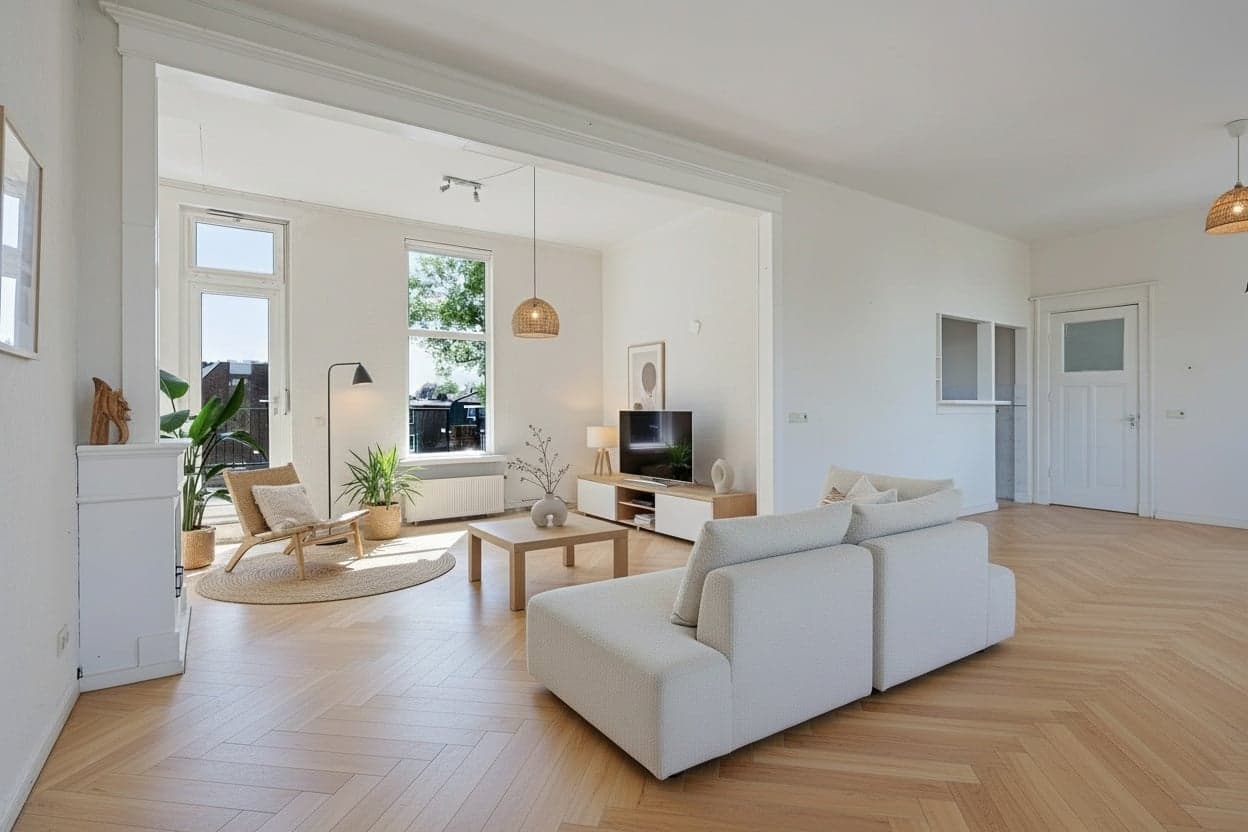
Made with prompts from this guide.
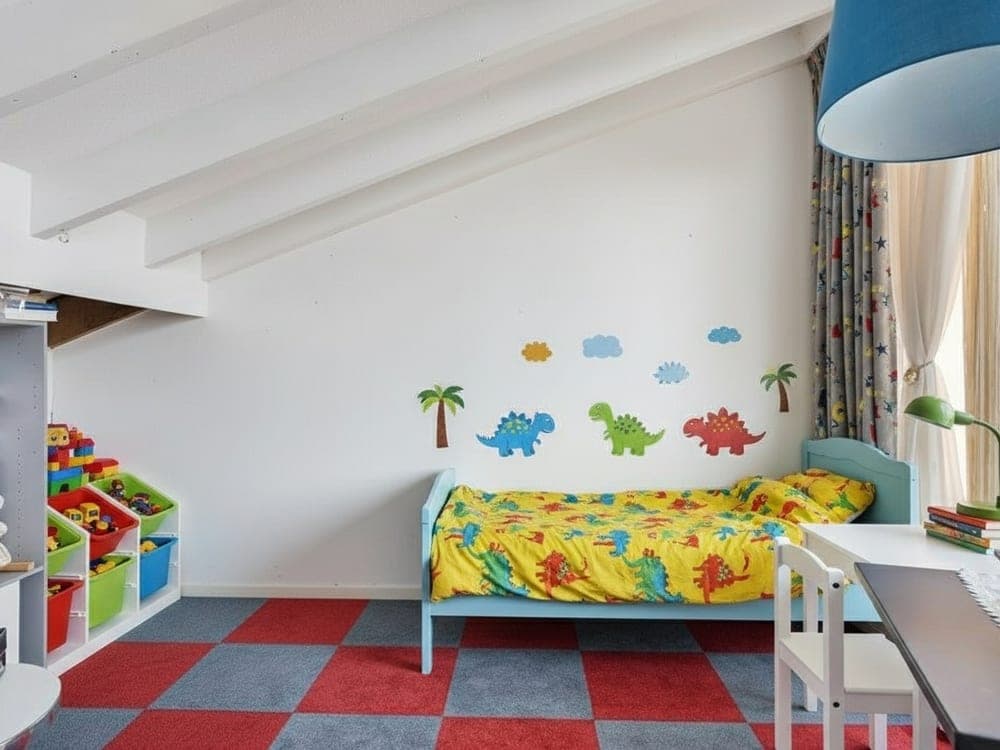
This is for you if
- You list empty or half-empty homes and want better photos without a stager
- You take the listing photos yourself, or brief the photographer
- You want the listing live this week, not after a staging slot opens
- You want to label staged photos properly without writing the wording yourself
- You list on portals like Funda, ImmoScout24, Rightmove or Idealista
This is not for you if
- −You only sell high-end homes where physical staging for viewings is expected
- −You want to change floors, walls or views in the listing photos
- −You need architectural renders of a new build rather than staged interiors
- −You never touch the listing photos or the listing text yourself
The honest comparison
What this replaces
| The usual route | With the pack |
|---|---|
| Waiting days for a stager and a return visit from the photographer | Staged photos the same day, from your own phone shots |
| Renting furniture for weeks for a handful of photos | 1 to 5 credits per photo |
| Guessing a style and hoping it suits the buyer | A buyer map that picks the style for you |
| Writing the listing text and disclosure wording from scratch | Prompts and a disclosure line ready to paste |
| Empty rooms as photo one on the portal | A staged hero photo, labelled and next to the original |
We built this pack from the questions agents asked us most after their first staged listing: which style, how to shoot it, and what to write under the photo. The disclosure template was the gap. Everyone agreed they should label staged photos, few had wording they were happy with. Now you do.
The RoomLift team
Before you ask
Questions, answered.
Free PDF
The Listing Launch Pack: Virtual Staging Guide, Checklists and Disclosure Template
We'll email you the guide and a few tips. Unsubscribe any time.